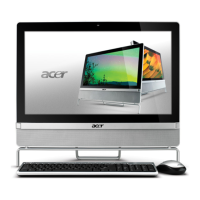
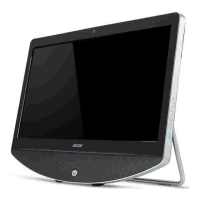
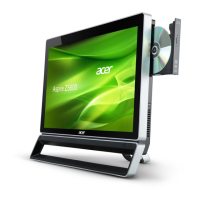
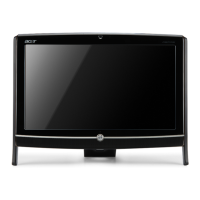
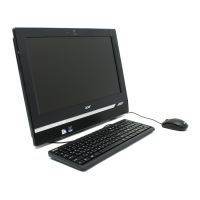
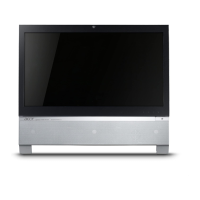
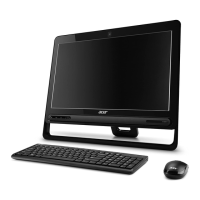
New Product Evaluation
Out Of Box Experience
OOBE Performed by: Daniel Rose
Date: 1/27/2010
Model Name: AZ5600-U9002
Operating System: Windows 7 Home Premium 64-bit
Items in the Box
Description Part Number/Model Number Location
Power Cord 50.SCY07.011 / 7A 125V Accessories Box
Warranty Booklet Top Accessories Box
Cloth Screen Wipe Accessories Box
Acer Setup Poster Accessories Box
Acer Setup Guide PR.12200.085 / Accessories Box
Wireless Keyboard KB.RF403.245 / KG-0766 Keyboard Box
Wireless Mouse MS.11200.063 / MG-0766 Accessories Box
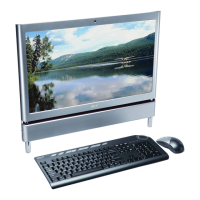
Desktop Computer PW.SC902.035 / AZ5600-U9002 Desktop Box
Unit External Appearance
Does Unit S/N match box S/N? Yes
Were Pictures taken of unit:
Top ______ Bottom ______
Left ______ Right ______
Front ______ Back ______
Was unit packed sufficient/insufficient? _________
Remove any removable panels (memory, modem, LAN, etc.) and take
pictures.
Are there any user accessible memory slots are present? No / #
How many are empty? N/A
Amount of memory in the user accessible slot(s): N/A
Are there any hidden memory slots are present? Yes / 2 Slots
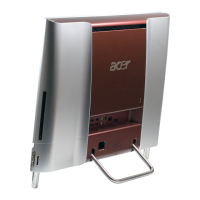
Location of hidden memory slots: On the Mainboard inside the unit. Only
accessible if the backside of the unit is taken off.
Amount of memory in the hidden slot(s): 3GB
Did unit ship with Recovery Media? No # of Disks None.


 To Next Page
 Need help?
 General