➢ FTP:File Transfer Protocol
1.7 Compliant and Authenticated Standard
➢
CE: AGC01180140201E2,AGC01180140202E2
➢ Comply with ROHS in EU
➢ Comply with ROHS in China
➢
➢ Operation temperature: lower than 60° C
➢ Storage temperature: lower than 60° C
➢ Humidity: 10 to 90% no dew
1.8 Packing List
Note: Power adapter (Input: AC 100~240V, 50/60Hz; Output: 5V, 1000mA;)
1.9 Installation
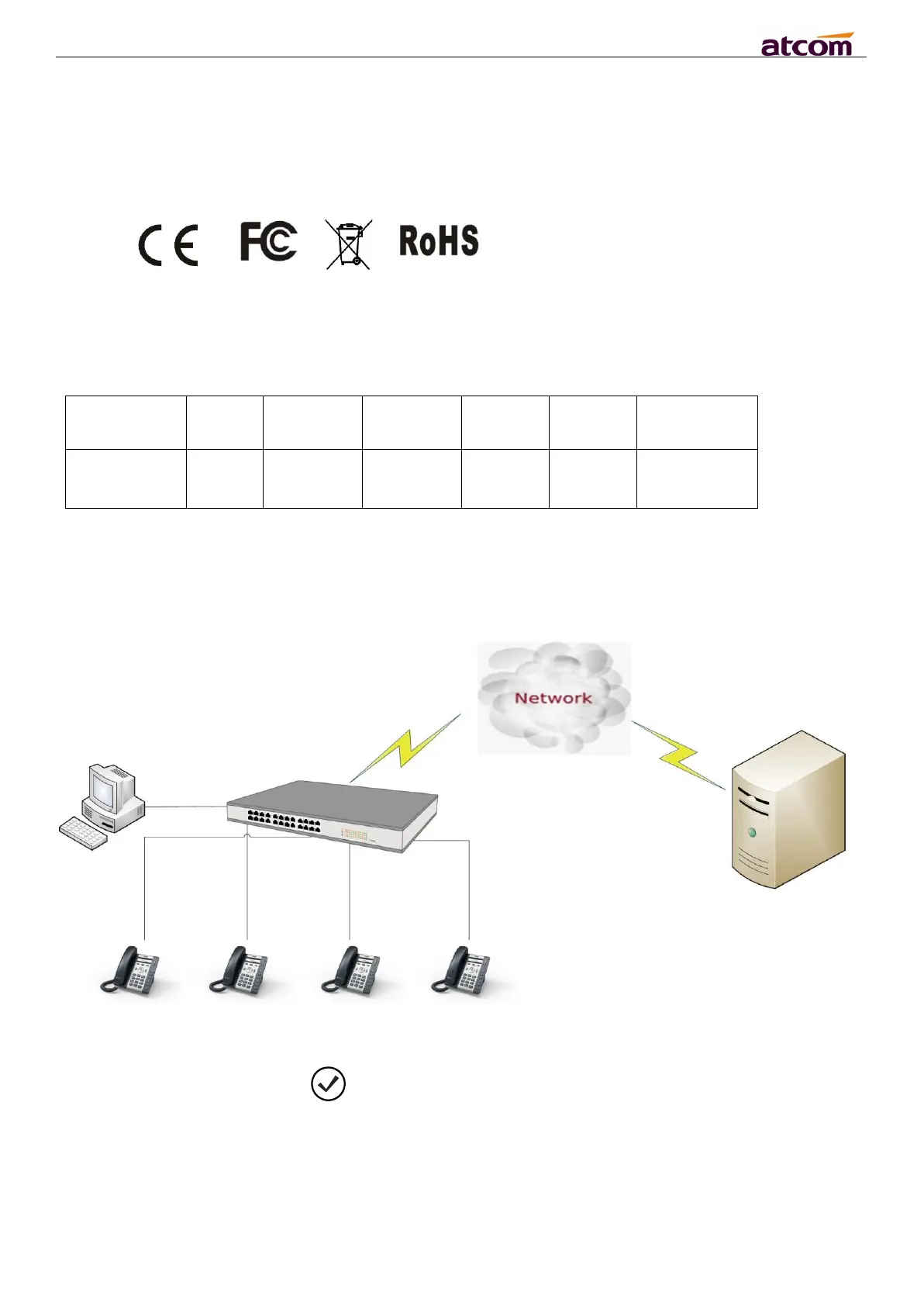
Connect LAN port to PC with Ethernet cable, or connect A20/A21/A20W/A21W to a switch/router
which is in the same network as your PC. It uses DHCP mode by default, and you can review its
current IP address by pressing key on idle state. To access the web interface, you can input the
IP address in IE browser. E.G. The IP address of your A20/A21/A20W/A21W is 192.168.1.100, you
can input 192.168.1.100 and press enter key on your browser to access its webpage. There are two
login level:
User
Admin



 To Next Page
 Loading...





