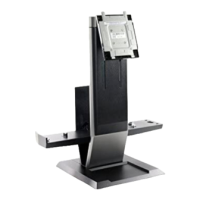
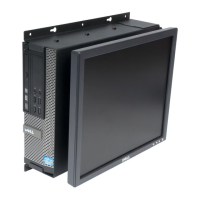
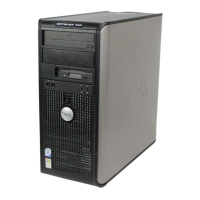
Kit Contents
Page 2
Mounting Hardware:
(4) Pan Head Screw
(4) Anchors
Kit Contents:
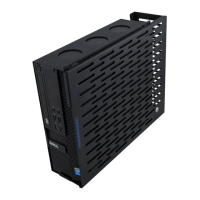
(1) Main Bracket
(1) Cover
PC Wall Mount Installation Instructions
Step 1
Determine Location: Select an appropriate location on the wall. Consider cable
routing and length.
Step 2
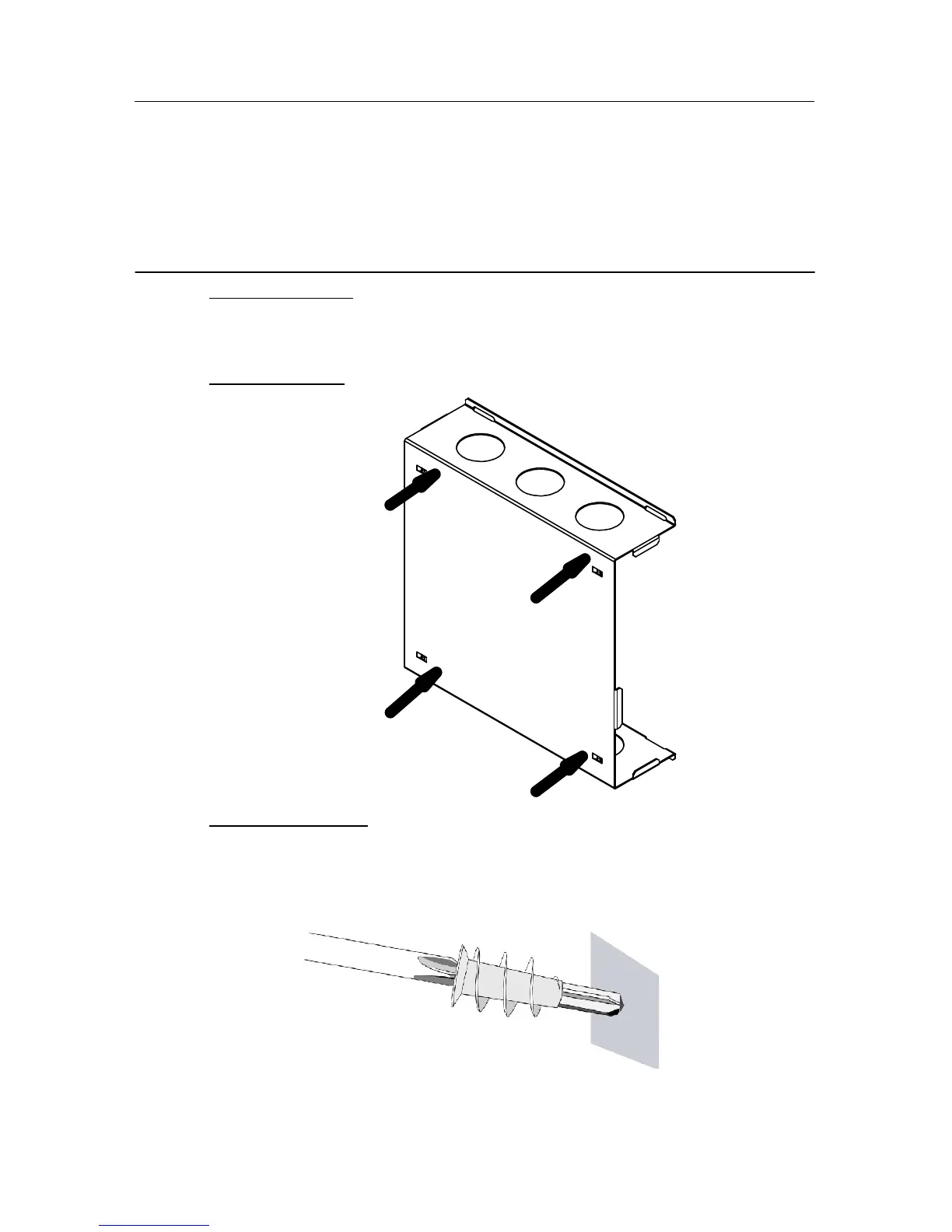
Mark Hole Postion: Hold the base in position and mark 4 hole positions with a pencil.
Step 3
Install Drywall Anchor: Install one drywall anchor at each hole mark. Using a #2
Phillips head screw driver press the anchor into the drywall while turning clockwise
until it si seated flush with the wall.


 To Next Page
 Loading...