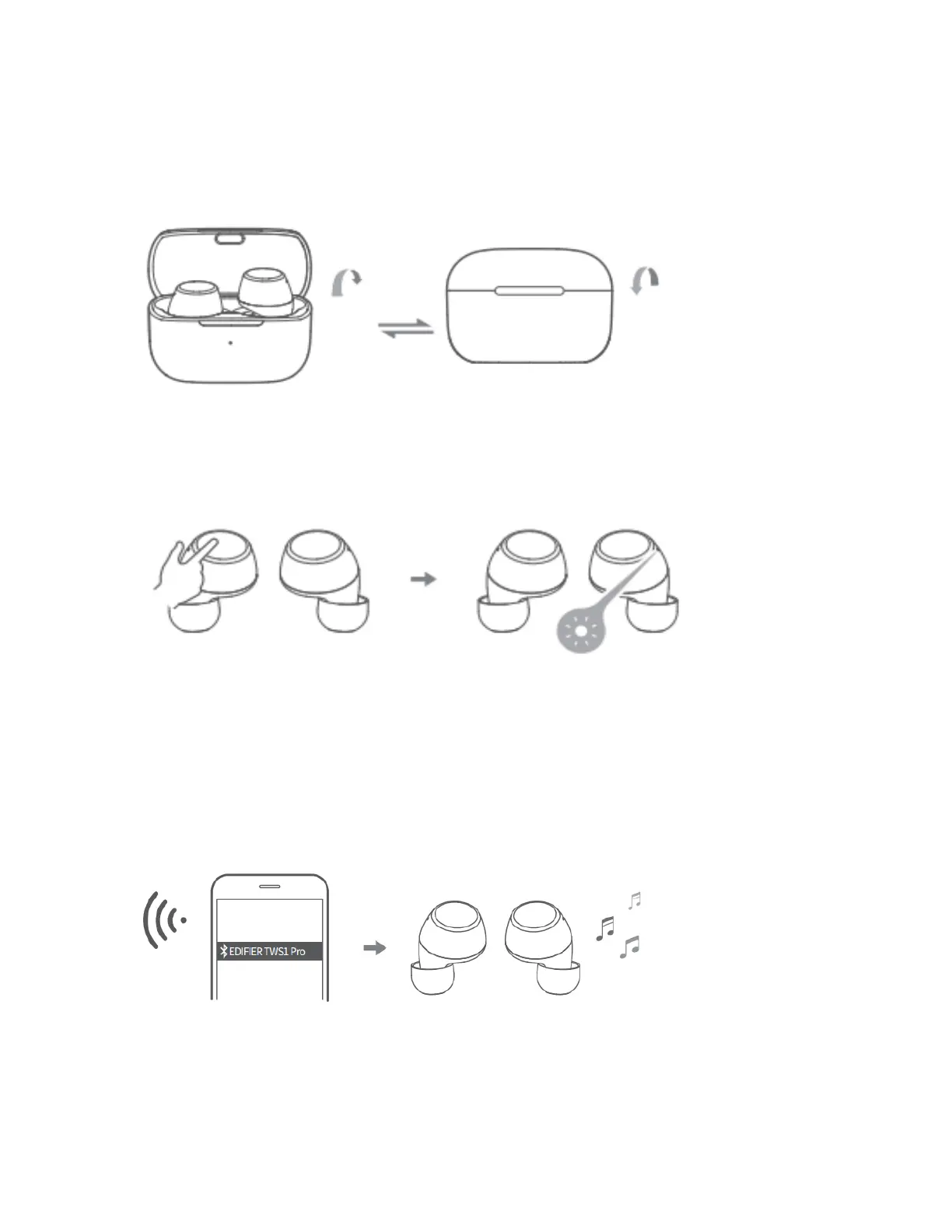
• For initial connection, the earbuds will
auto-enter the pairing mode after taken out;
• When connected to other mobile phones,
take the earbuds out and press and hold the
touch button of the left or right earbud for
around 2-3 seconds to enter Bluetooth
paring.
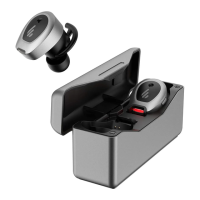
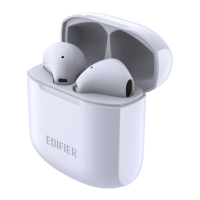
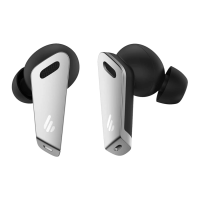
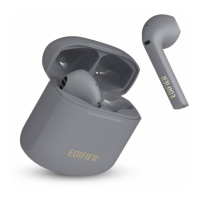
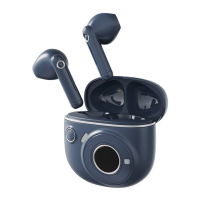
• Search for and connect to "EDIFIER TWS1 Pro", after pairing is successful,
the blue light will flash slowly.


 To Next Page
 Loading...