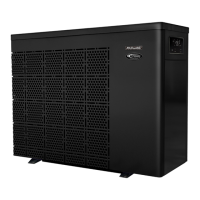
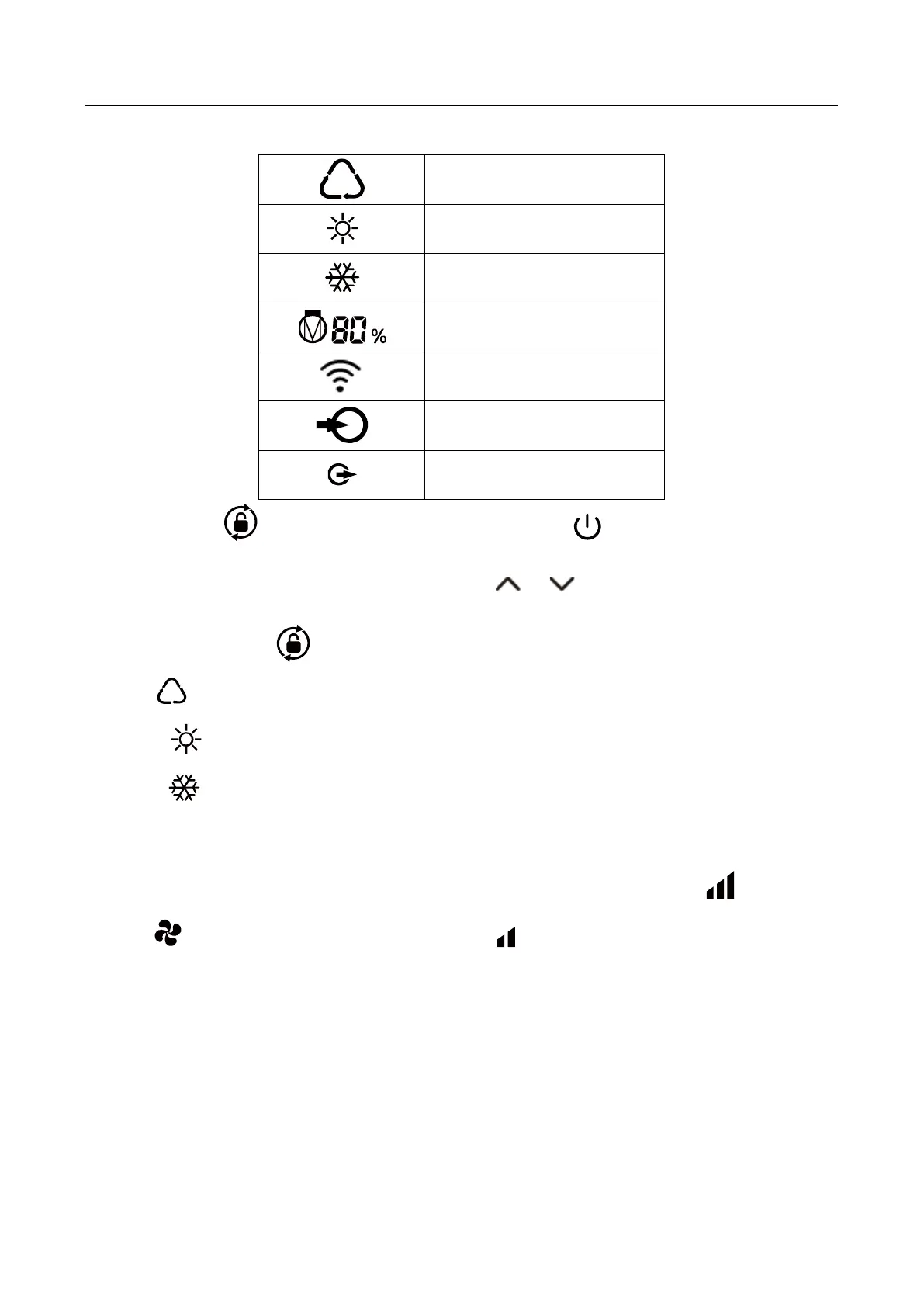
1.Power On: Press for 3 seconds to light up screen, then press to power on heat pump.
2.Adjust Set Temperature: When screen is unlocked, press or to display or adjust the set
temperature.
3. Mode Selection: Press to select mode.
a. Auto : adjustable temperature range 12~40℃
b. Heating : adjustable temperature range 18~40℃
c. Cooling : adjustable temperature range 12~30℃
4. Turbo/Smart/Silence mode selection:
① Smart mode as default will be activated when heat pump is on, and screen shows .
② Press to enter Silence mode, and screen shows .
(Suggestion: select Smart mode for initial heating)
Attention:
a. When use the Turbo mode, you should select it every time, the machine will not automatically enter
the Turbo mode.
b. During the Turbo mode, when the machine reaches the set temperature, it will automatically return to
the smart mode.


 To Next Page
 Loading...