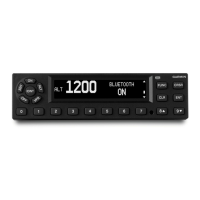
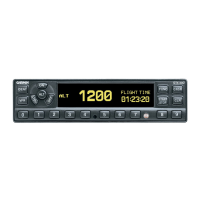
Need help?
Do you have a question about the Garmin 328 and is the answer not in the manual?
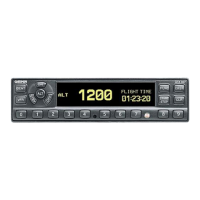
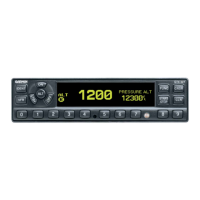
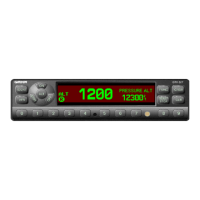
Activates the Special Position Identification (SPI) Pulse for 18 seconds.
Sets the transponder code to the pre-programmed VFR code or restores the previous code.
Changes the page shown on the right side of the display.
Starts and stops the Altitude Monitor, Count Up, Count Down and Flight timers.
Initiates time entry for the Count Down timer and cancels transponder code entry.
Process for entering the Flight ID for transmissions.
Activates the Special Position Identification (SPI) Pulse for 18 seconds.
Sets the transponder code to the pre-programmed VFR code or restores the previous code.
Changes the page shown on the right side of the display.
Starts and stops the Altitude Monitor, Count Up, Count Down and Flight timers.
Initiates time entry for the Count Down timer and cancels transponder code entry.
Process for entering the Flight ID for transmissions.
 General
| Brand | Garmin |
|---|---|
| Model | 328 |
| Category | Marine Radio |
| Language | English |

 To Next Page