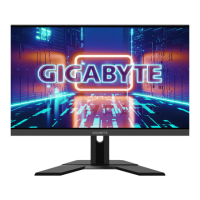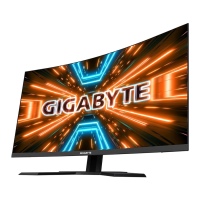
 Need help?
Do you have a question about the Gigabyte M27F A and is the answer not in the manual?
Essential safety guidelines to follow before and during the use of the monitor.
Measures to prevent physical harm or damage caused by the monitor tipping over.
Instructions for assembling and attaching the monitor's stand base securely.
Guidance on modifying the monitor's tilt angle and screen height for optimal viewing comfort.
Visual guide for connecting video and peripheral cables (HDMI, DP, USB, etc.) to the monitor.
How to power the monitor on and off using the integrated control button.
Comprehensive guide to adjusting all monitor settings, including gaming, picture, display, and system.
Solutions for frequently encountered problems during monitor setup and operation.

 To Next Page
 General