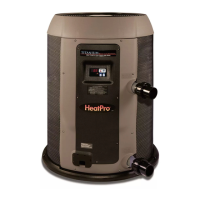
Page 11 of 22 HEATPRO HEAT PUMP HP13023772 Rev: D
USE ONLY HAYWARD GENUINE REPLACEMENT PARTS
Pomona, CA Clemmons, NC Nashville, TN
Tel: 908.351.5400 www.haywardpool.com
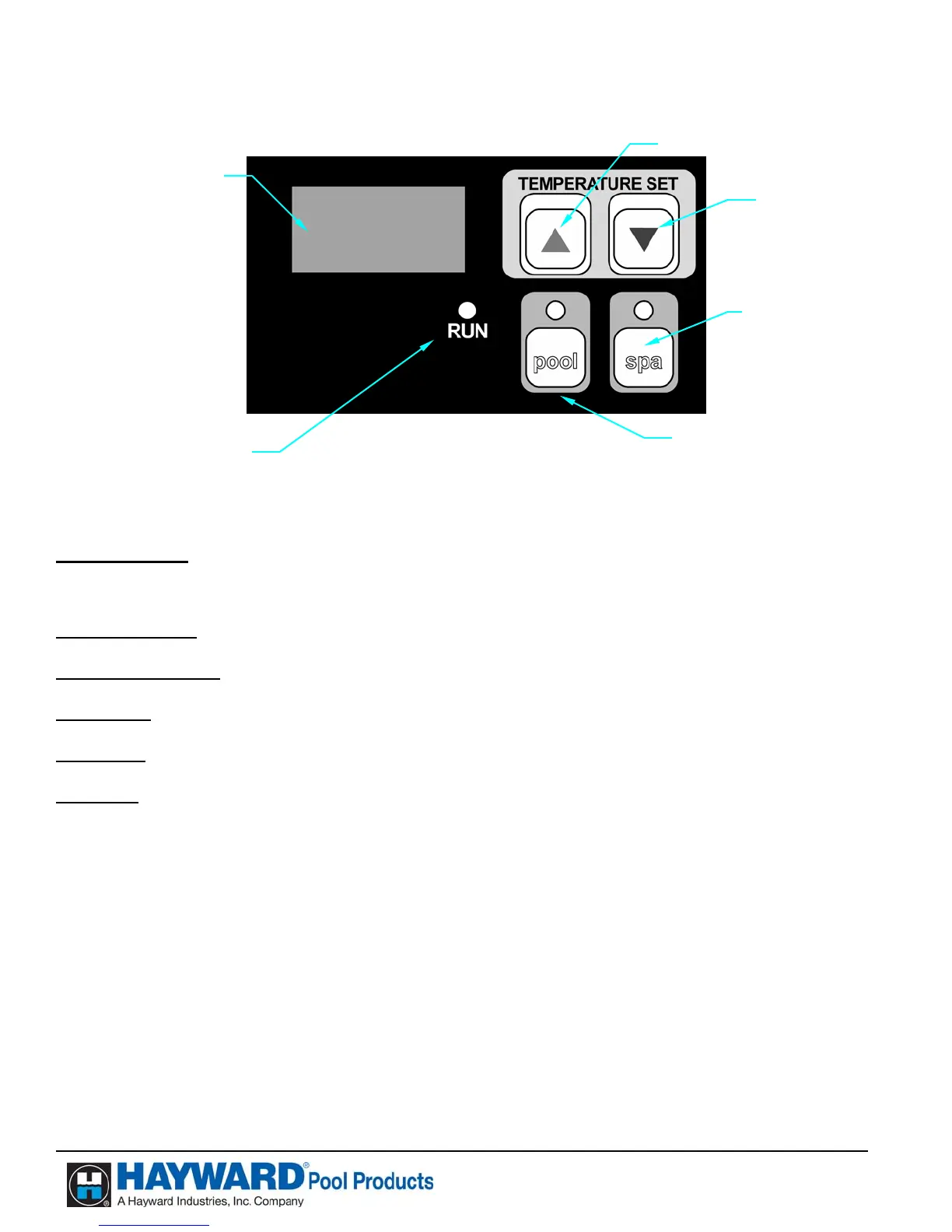
Becoming Familiar with HeatPro Heat Pump Controls
Display Window
(All Models) When power is supplied to the unit, the display will either show
temperature (in degrees F or C), diagnostic code (such as
“rhd”), or scrolling dots.
Up Arrow Button (All Models) Raises the heat pump temperature set point.
Down Arrow Button (All Models) Lowers the heat pump temperature set point.
Pool Button (All Models) Activates the pool function of the controller.
Spa Button (All Models) Activates the spa function of the controller.
Run Light (All Models) Indicates the unit is operating normally and the thermostat is
making a demand for heat.
Dis
la
Window
U
Arrow Button
Down Arrow Button
Spa Button
(Optional)
Pool Button
Run Li
h
Heat Pump Control Panel


 To Next Page
 Loading...