10
5.2.5 clean the EEPROM
(1) Select the item “Option”--“Clear all” in Factory mode
(2) Press button to clear the EEPROM data
(3) Laser TV restarts automatically
6. Software Upgrade Method
Main software upgrade directly with USB
6.1 TV in user mode
The main software can be upgraded with USB disk.
6.2 TV in factory mode
TV is in factory mode, only AC power off TV and insert the USB disk, next AC
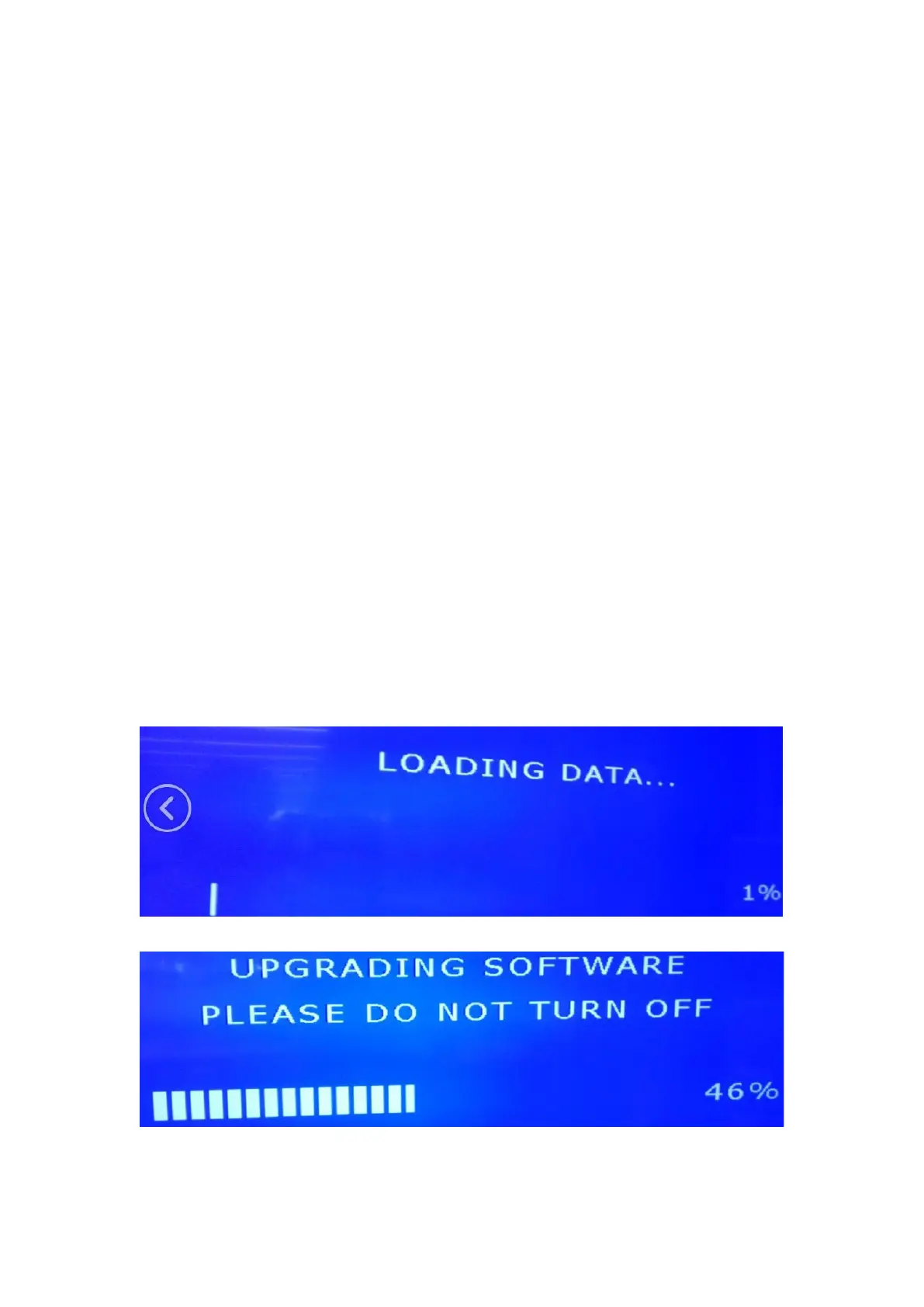
power on, TV can identify automatically to update, till call up “Loading data”
interface, update process bar is 1%.
Once choose another TV mode, must AC power off and power on the TV to reboot.
Firgure-1: Loading data
Firgure-2: Upgrading software
Firgure-3: Software upgrade complete, TV automatically reboot.


 To Next Page
 Loading...