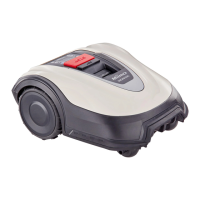
Alexa Miimo skill: how to link Alexa and Miimo
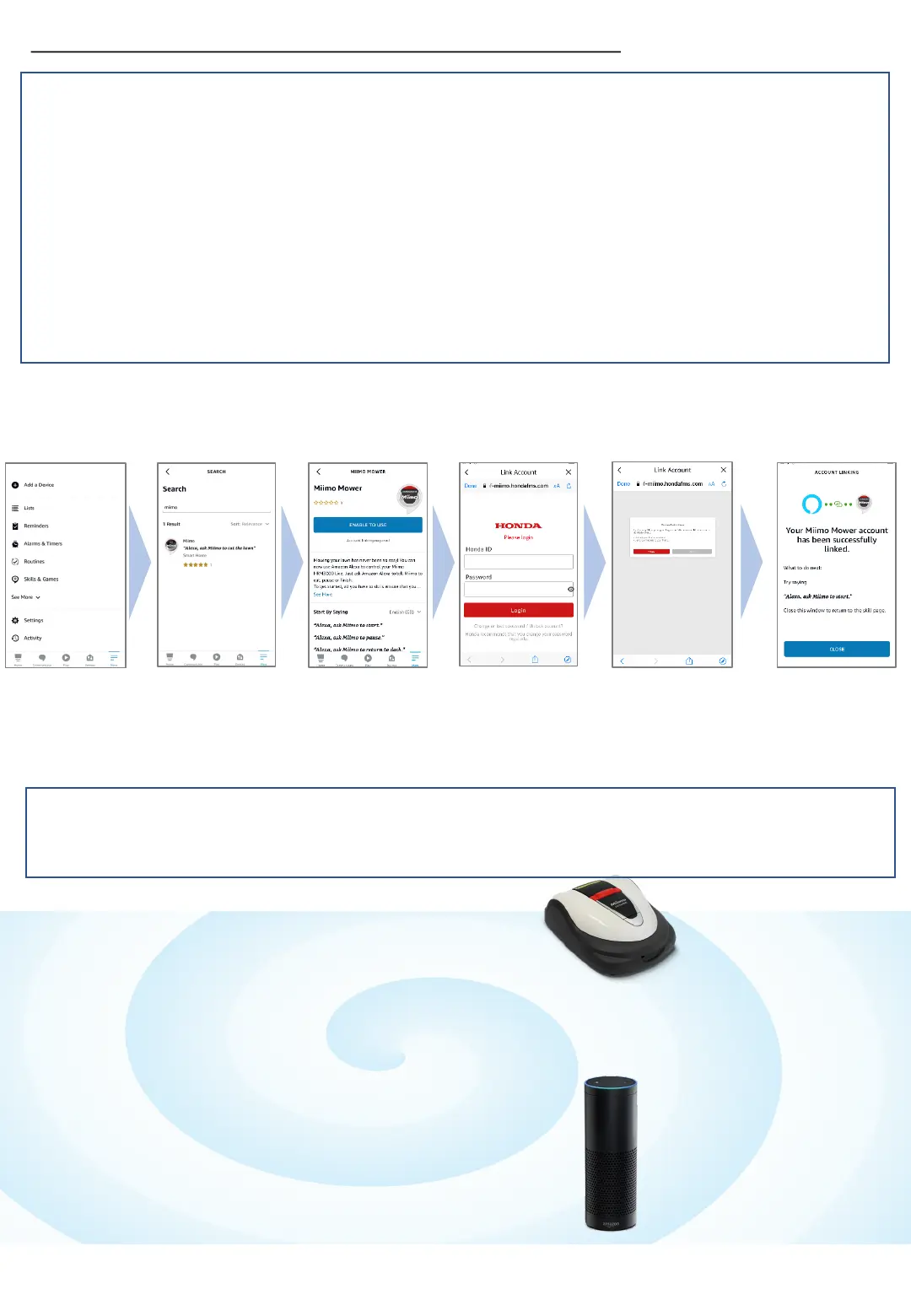
3. Mii-monitor and Alexa
account linking is
complete!
1. From Alexa’s menu More> Skills &
Games, search for “Miimo” skill for
HRM3000 Live and tap "Enable to
use".
2. You will see the "Mii-monitor" login
screen. Log in with your Mii-monitor
ID and password to enable the link
with Alexa.
How to install Miimo Mower skill and link with Mii-monitor
How to talk to Alexa
There are many ways to command Miimo to mow, pause, dock or check status.
For example:
• Alexa, ask Miimo to mow the lawn
• Alexa, ask Miimo to stop
• Alexa, ask Miimo to go home
• Alexa, ask Miimo for status
You will need:
- An Amazon account.
- The Alexa app downloaded on your phone or other device. Log in
to the Alexa app using your Amazon account details.
- An Amazon Echo device paired to the Alexa app is optional, as it
is possible to use the “Miimo” skill on the app as well as on Echo.
Miimo skill is available in all European languages currently supported by
Alexa: English, German, French, Spanish and Italian



 To Next Page
 Loading...