8
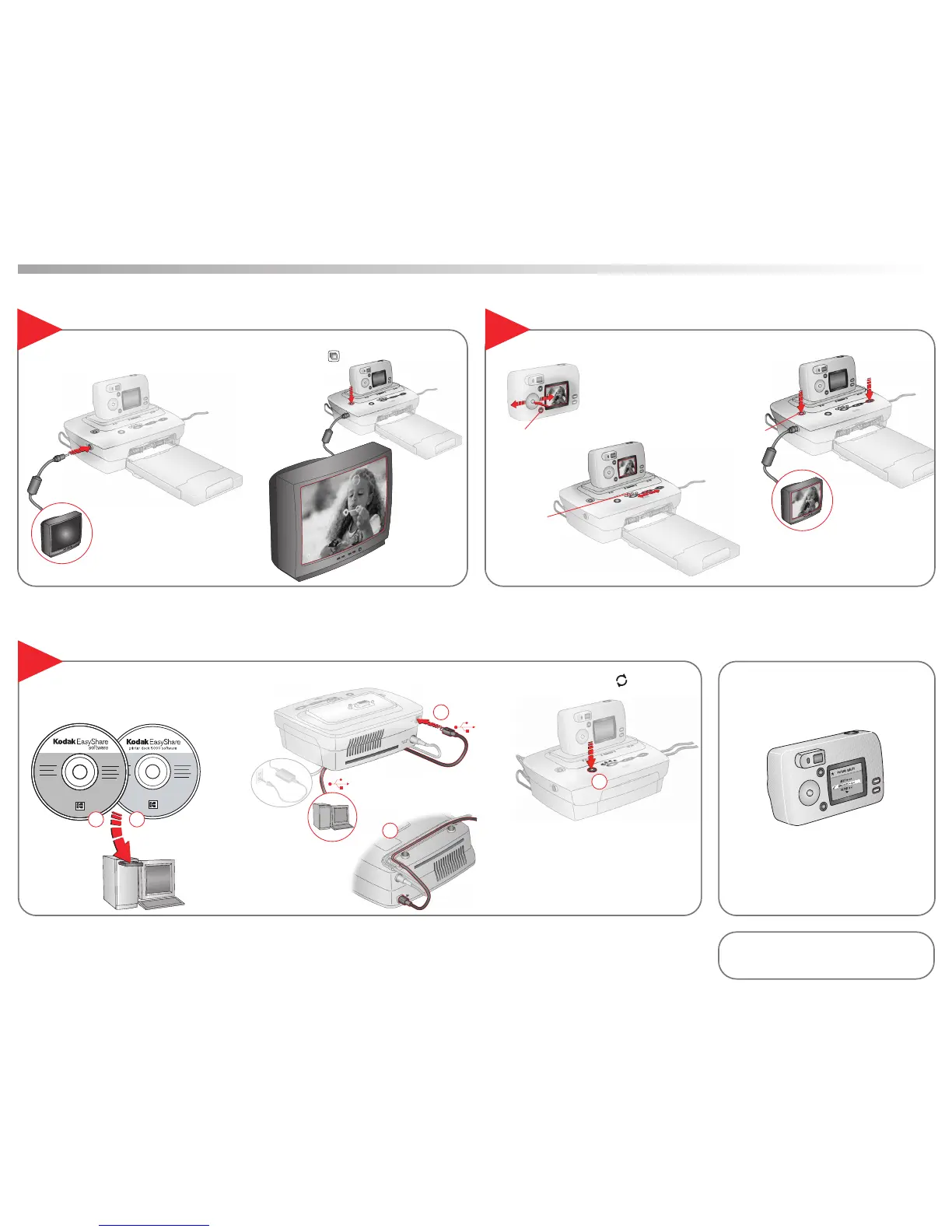
Select Image to Print
Connect USB cable.
Connect to a television.
9
Press Transfer.
Set at Best (3:2).
(Consult your camera manual for details.)
View Slide Show
7
Set Picture Quality on Camera
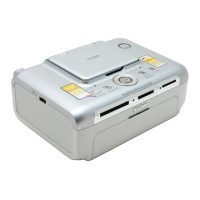
Bottom view
AV cable
(included with your camera)
Transfer Pictures to Computer
Press Print at any time.
Pictures will print at the
end of the slide show.
Press Slide Show.
…Using Camera
or
…Using Printer Dock arrow keys
or
…Using Television
Install Kodak EasyShare software
(included with your camera) and
printer dock 6000 software.
21
4
3
5
Share button
Print Current
Slide Show button
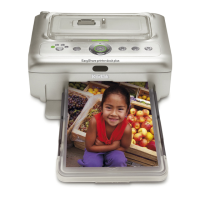
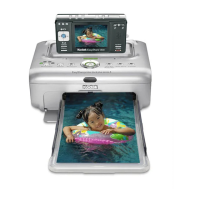
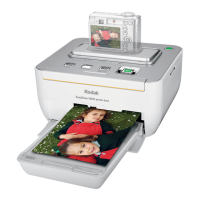
Kodak EasyShare printer dock 6000
Need More Help?
www.kodak.com/go/printerdock


 To Previous Page
 Loading...