6
PC Connection
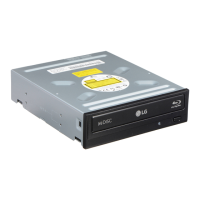
The BD-ROM/DVD Rewriter connects to the motherboard of the host computer using a
SATA interface cable.
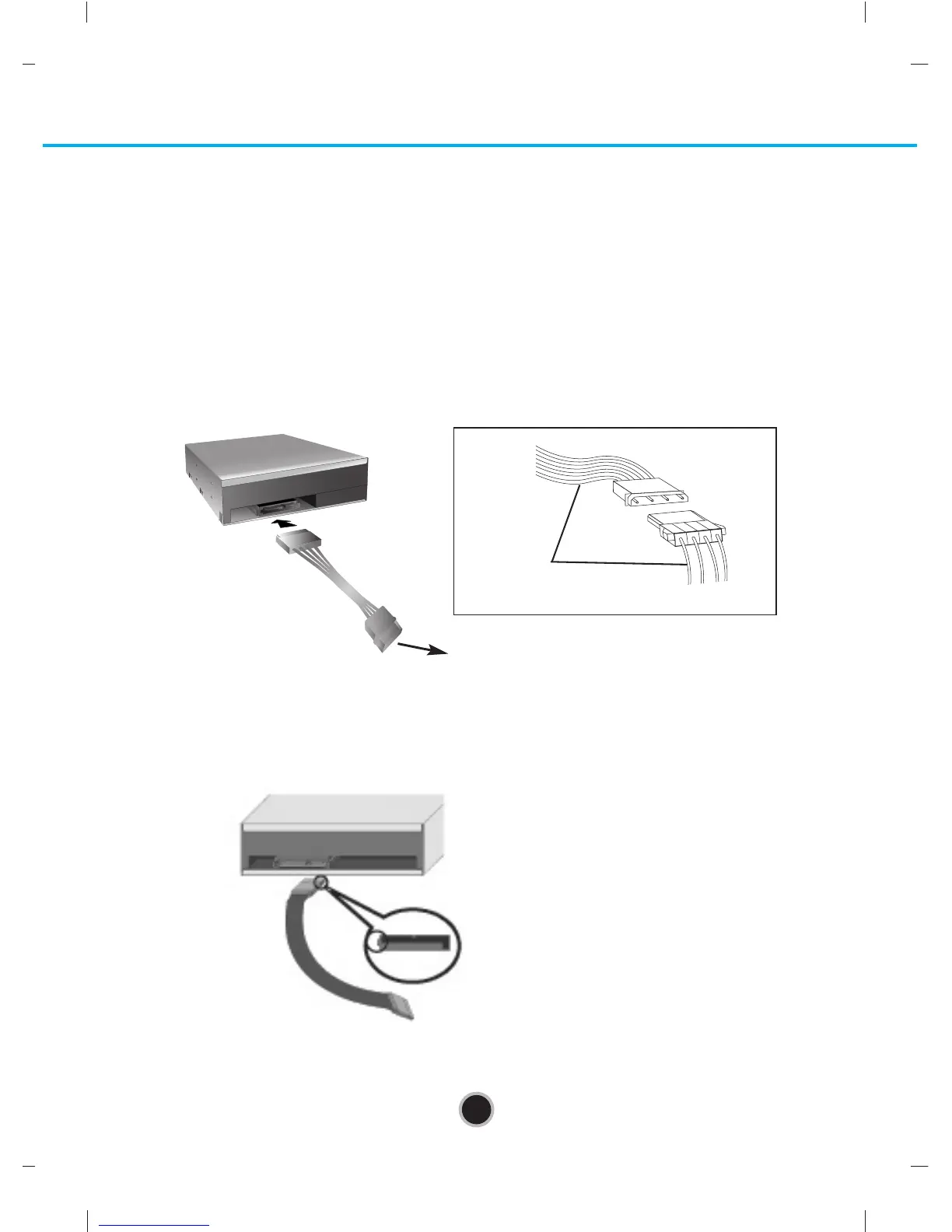
Connecting the SATA Power Cable
Connect the power cable so the projection of the cable connector side to come to the left
side. Be careful not to connect upside down.
NOTE : Improper connection may damage the drive and void the warranty. Generally,
the power connector can only fit one way.
Connecting the SATA Data Cable
Connect the data cable. Be careful not to connect upside down.
Connect to the power
connector of the PC.
Connect to the SATA connector
on the PC's Motherboard.
Red


 To Next Page
 Loading...