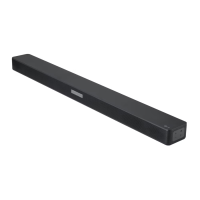
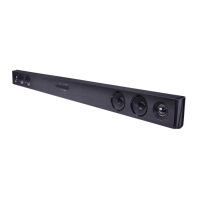
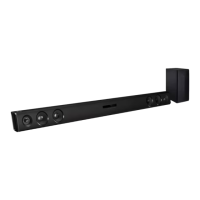
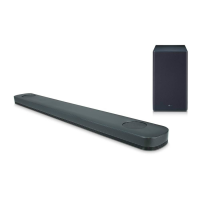
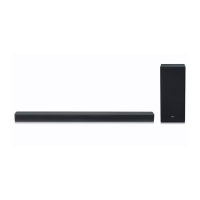
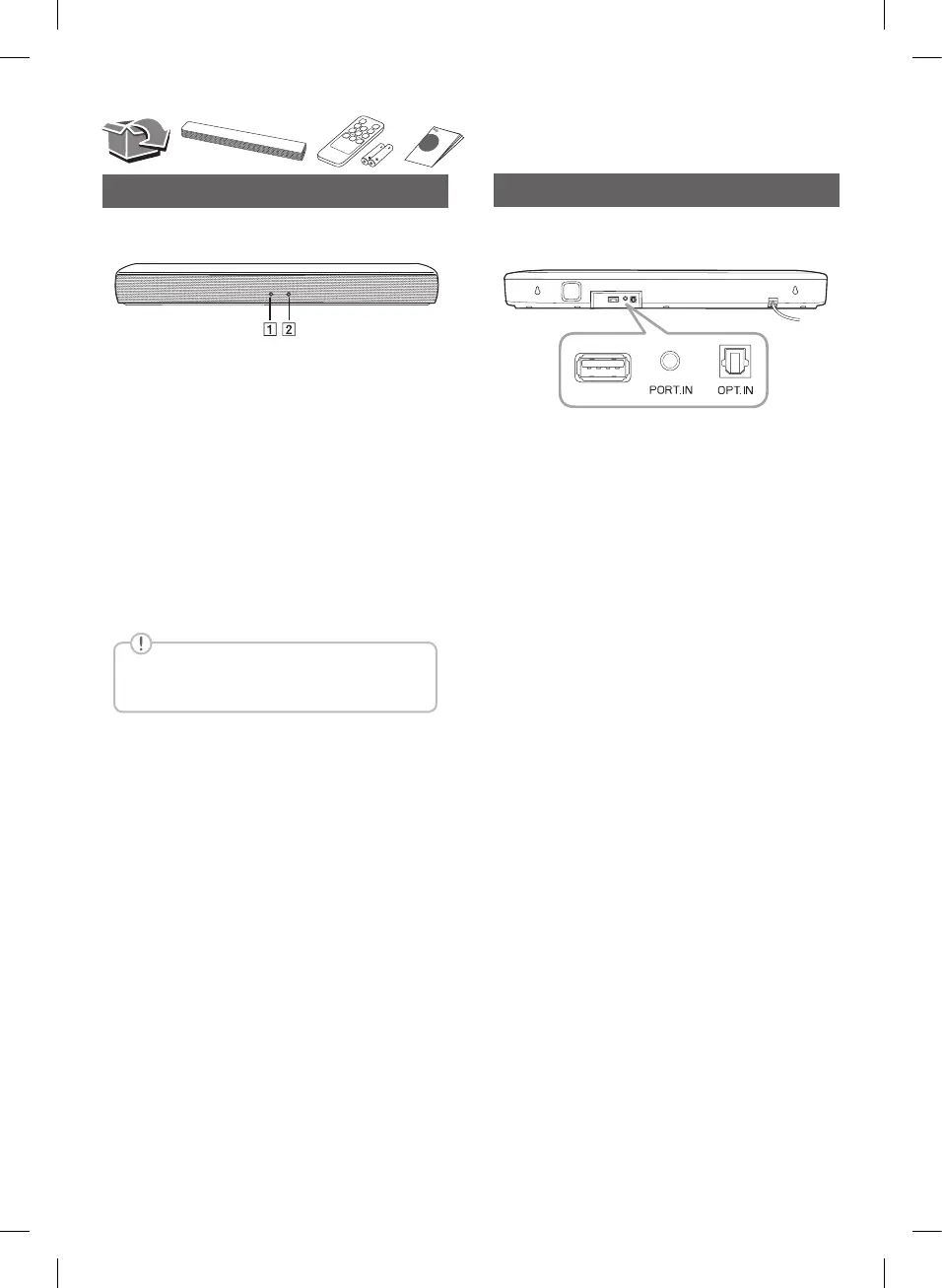
Front Panel
Rear Panel
A
State LED
y
White (Staying on): Optical function is selected.
y
White (Blinking twice and staying on): LG Sound
Sync (Optical) function is selected.
y
Green (Staying on): Portable function is selected.
y
Red (Staying on): Standby mode without network
connection.
B
Bluetooth LED
y
Blue (Blinking): Waiting for Bluetooth connection.
y
Blue (Staying on): Paired with Bluetooth device.
USB (Service only) ····· S/W download connector.
PORT. IN (Portable) Connect to a portable device.
OPT. IN (Optical) ····· Connect to an optical device.
This unit operates only with the remote
control.
SK1.AEUSLLK_SIM_ENG_MFL70443680.indd 2 2018-05-14 9:22:18


 To Next Page
 Loading...