 Need help?
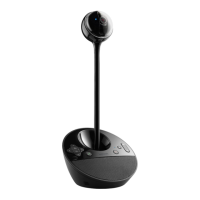
Do you have a question about the Logitech ConferenceCam BCC950 and is the answer not in the manual?
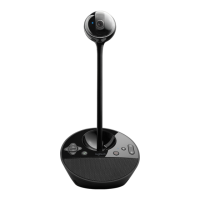
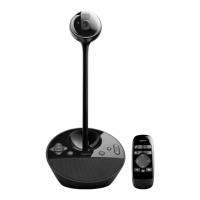
Overview of the webcam, autofocus lens, and eye-level stand for the ConferenceCam.
Details on the speakerphone base, integrated speaker, power port, and earphone jack.
Explanation of tilt, activity light, volume, mute, answer, zoom, and pan functions.
Guide for connecting the webcam, power adapter, and USB cable to your computer.
Instructions for launching conferencing software and positioning the webcam for eye-level calls.
Using Pan, Tilt, Zoom controls and a caution against manual webcam rotation.
Controlling volume, answering/ending calls, muting audio, and Skype plug-in details.
Explanation of blue, blinking blue, and red activity light meanings for calls and connections.
Steps to resolve issues with power, USB connections, and stand attachments.
Guidance on adjusting volume, recording levels, software settings, and network checks.

 To Next Page
 General