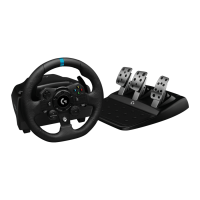
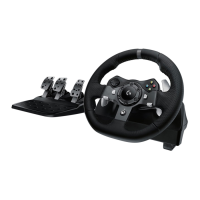
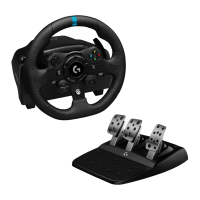
G920 Driving Force Racing Wheel FAQs 18
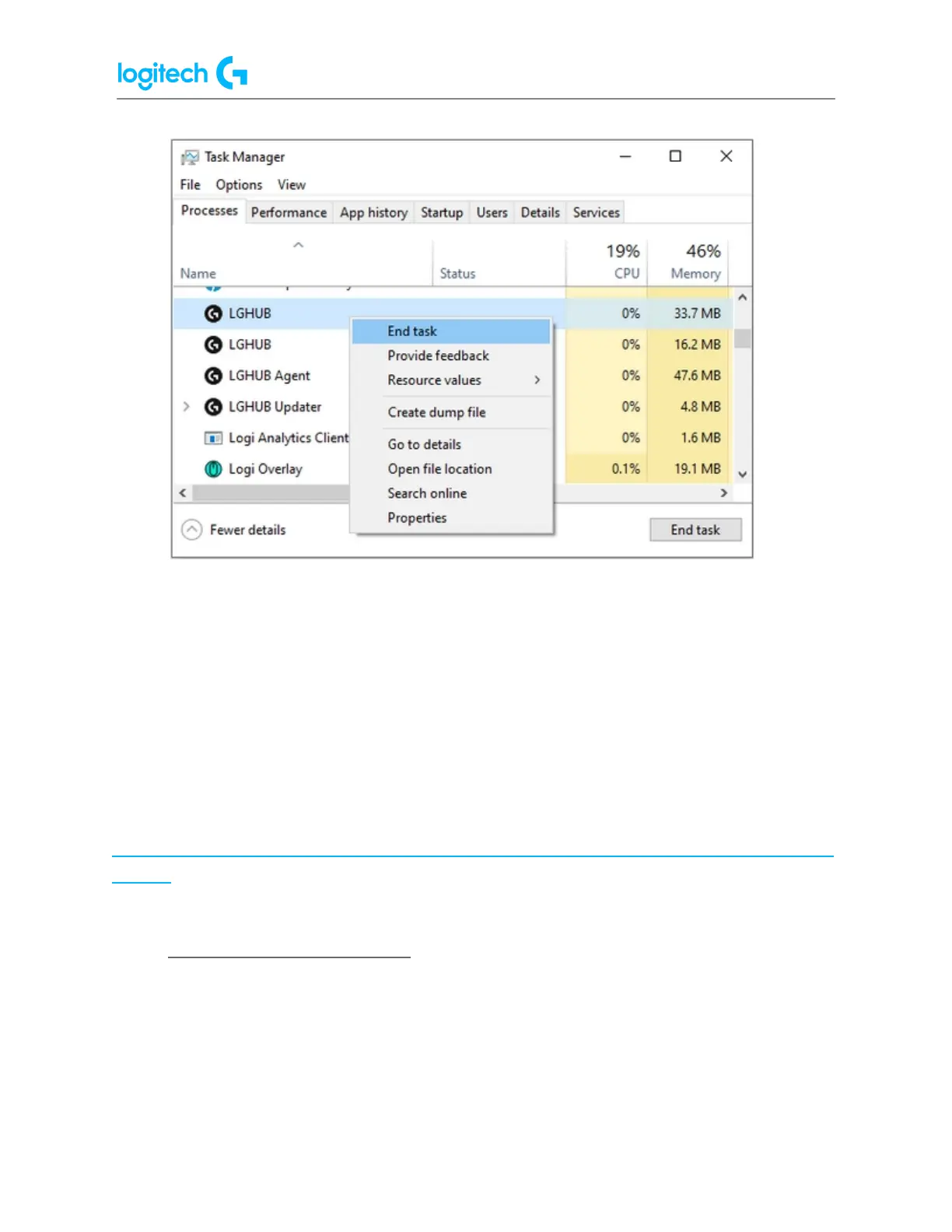
3. Once those processes are ended, navigate to C:\Program Files\LGHUB and run these
in order:
● Lghub_updater.exe
● Lghub_agent.exe
● Lghub.exe
This should resolve the logo spinning issue. If it doesn’t, then make sure you’re running with
admin privileges. G HUB might need to update and needs admin privileges to do this.
If you’re using an administrator account and the issue persists, please follow the steps here:
support.logi.com/hc/en-us/articles/360023192454-G-HUB-Install-Uninstall-Update-Troubles
hooting
● Audio device not recognized
If you have problems with a headset or speaker, the following:
Revert back to Microsoft drivers:
1. Go to Device Manager (WIN+PAUSE|BREAK).
2. Click on the View tab at the top and select Devices by container.


 To Next Page
 Loading...