132
The
c
/
E
(Release Mode/Self-Timer) Button
4
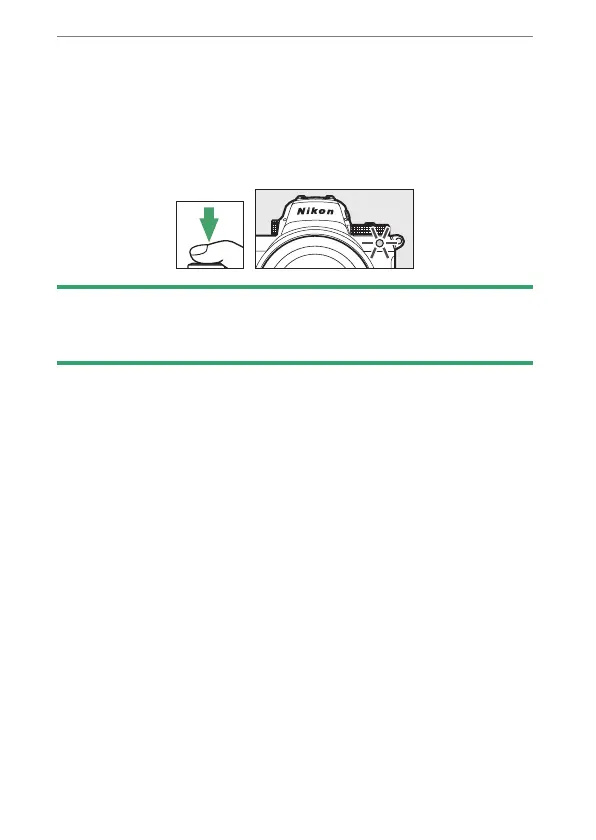
Start the timer.
•
A
E
icon appears in the shooting display when the self-
timer is enabled.
•
Press the shutter-release button all the way down to start
the timer; the self-timer lamp will begin to flash. The lamp
stops flashing two seconds before the timer expires.
D
Taking Multiple Shots
The number of shots taken and the interval between shots can be
selected using Custom Setting c2 [Self-timer].


 To Next Page
 Loading...













