37
EN
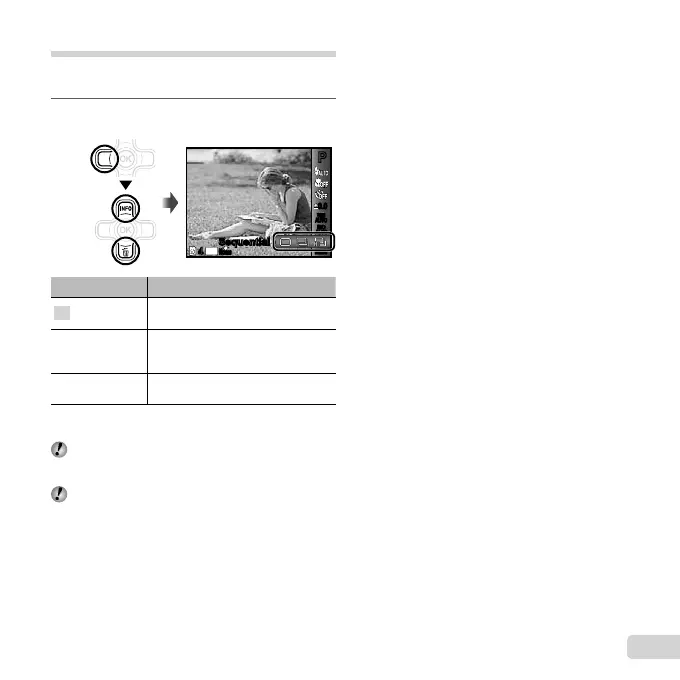
Sequential shooting (Drive)
Pictures are taken sequentially while the shutter button
is held down.
1
Select the drive option in the shooting
function menu.
0.00.0
AUTO
WB
AUTO
WB
AUTO
ISO
AUTO
ISO
PP
SequentialSequential
MENUMENU
14
M
44
N
ORM
Option Description
o
One frame is shot each time the
shutter button is pressed.
j
*1
Take sequential shots using the
focus, brightness (exposure) and
white balance set in the fi rst frame.
W
The camera takes sequential shots
at a faster speed than in [j].
*1
The shooting speed varies depending on the settings
for [Image Size/Compression] (p. 39).
When set to [j], the fl ash (p. 34) cannot be set to
[Redeye]. In addition, when set to [W] the fl ash is
fi xed to [Flash Off].
When set to [W], [Image Size] is limited to [3] or
lower, and the ISO sensitivity is fi xed to [ISO Auto].


 To Next Page
 Loading...