User's manual Sony Personal Navigation System
Operating the navigation software - 13 -
Buttons The lists screens have three buttons located on the right and
lower edge of the screen:
Up: Tap this icon to scroll the list one item up.
Down: Tap this icon to scroll the list one item down.
Back: Tap this icon to return to the entry screen without
selecting a listed element.
Example Search for BICKNOR.
1. In the
MENU tap New destination.
The N
EW DESTINATION screen opens.
2. Tap Navigation.
The N
AVIGATION screen opens.
3. Tap Address.
The A
DDRESS screen opens.
4. Tap the Town or Postcode entry field.
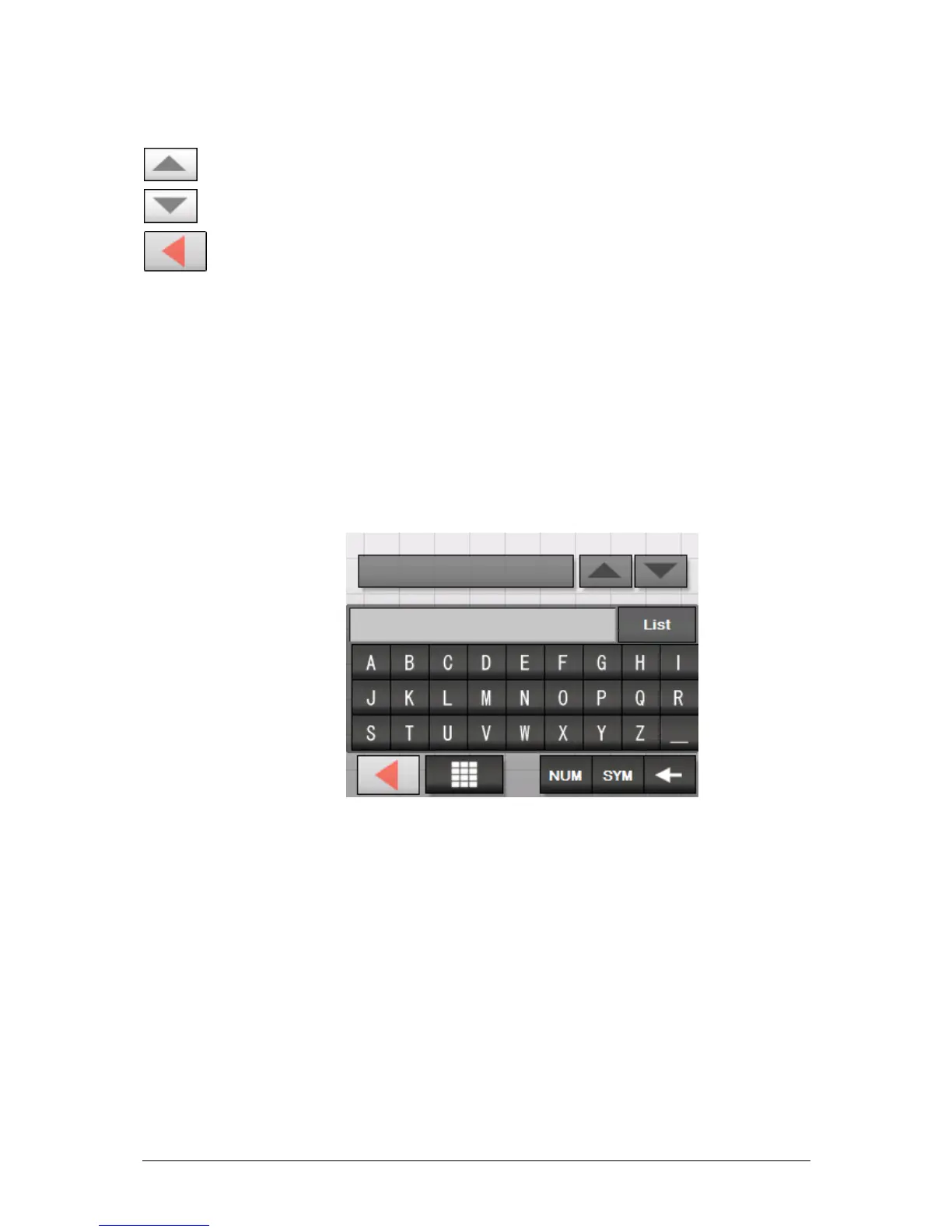
The software keyboard appears.
5. Enter the letter B.
The letter B appears in the input line above the character
keys.
Above it, a button shows the first town in the database to
start with the letter B.


 To Next Page
 Loading...













