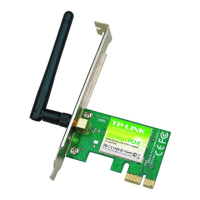
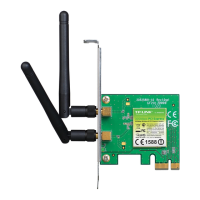
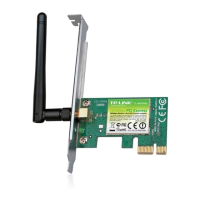
TL-WN781ND 150Mbps Wireless N PCI Express Adapter User Guide
21
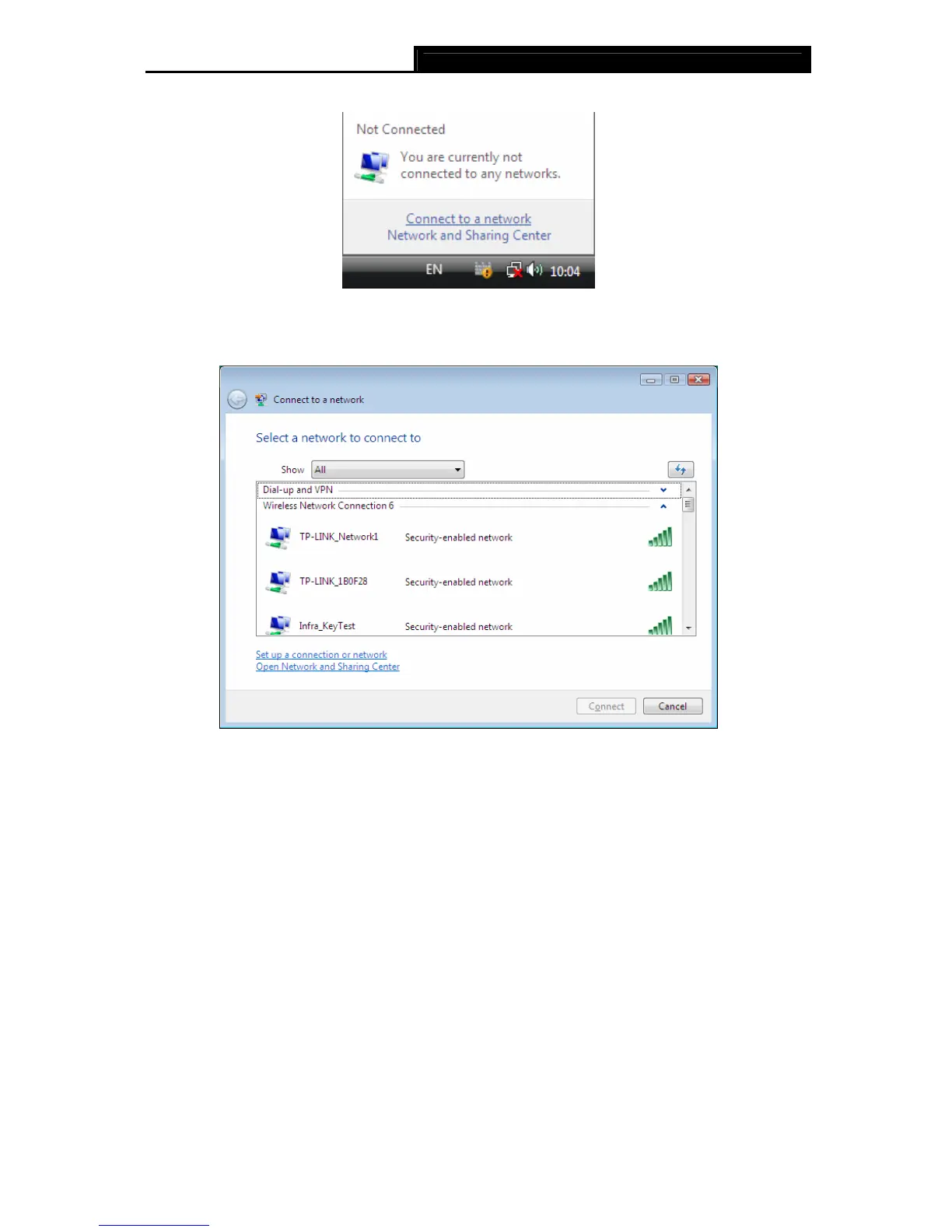
as shown in the figure below. Select Connect to a network.
Figure 3-24
2. The utility will display any available wireless networks in your area. Highlight the wireless
network you would like to connect and then click Connect.
Figure 3-25
3. If the network you would like to connect is security-enabled, enter the same security key or
passphrase that is on your Router. If the network to be connected is not secure, the
connection will be built without entering a key.


 To Next Page
 Loading...