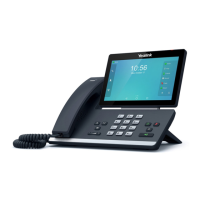
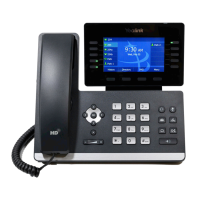
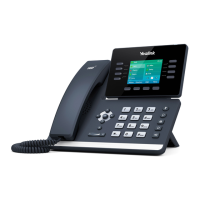
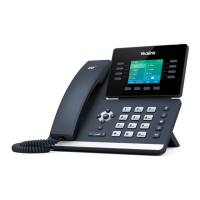
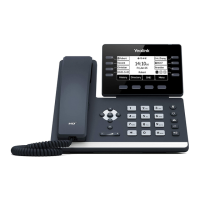
Phone user guide – Yealink SIP-T53W
9312 Interline Ave. Baton Rouge LA 70809 (225) 924-2700 pdvn.net
Placing a Call
Using the handset: Pick up the handset, dial number and press Send so key. To use the speakerphone, press the
speakerphone buon on the boom right of the phone and place handset back in cradle.
Using the speakerphone: With the handset on hook, simply start dialing the number and press Send so key.
Using a headset: Press the buon on the headset earpiece, enter the phone number and press Send so key.
TIP: Local numbers may be 7 digit dialing or may require the area code, depending on the area. Long distance
numbers can be dialed with or without the 1+. Please contact your administrator for access to internaonal dialing.
Answering a Call
Using the handset: When phone is ringing, pick up the handset.
To end the call, place handset back in cradle or press End Call so key.
Using the speakerphone: When phone is ringing, press . Press Speakerphone buon again to end the call.
Using the headset: When phone is ringing, press the buon on the headset earpiece to answer the call. To end the
call, press the headset buon again or press End Call so key.
Volume Adjustment
Use the volume key to adjust the volume on the handset when you are on a handset
call, on the speaker when you are on a speakerphone call, or ring volume when your phone is idle.
Redial
Press to view Placed calls, then press or to select, press the Send so key to dial.
Mung yourself to callers
Press to mute yourself to callers. You will see the microphone icon on the buon turn red and there will be
a Mute nocaon on your screen. Press again to unmute.
TIP: Mute can be used on handset, speakerphone and headset calls.


 To Next Page
 Loading...