5
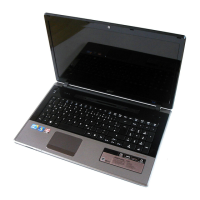
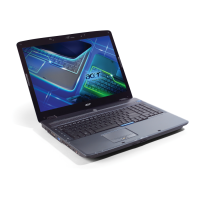
3 Power button Turns the computer on and off.
4 Keyboard For entering data into your computer.
5 Touchpad Touch-sensitive pointing device which
functions like a computer mouse.
6 Click buttons (left and
right)
The left and right buttons function like the
left and right mouse buttons.
7 Palmrest Comfortable support area for your hands
when you use the computer.
8 Speakers Deliver stereo audio output.
9 Microphone Internal microphone for sound recording.
# Icon Item Description


 To Next Page
 Loading...