10
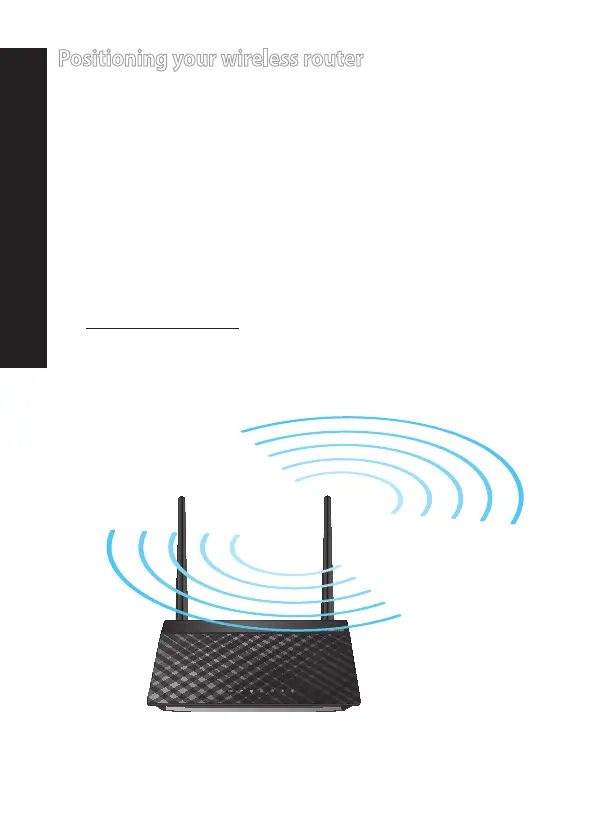
Positioning your wireless router
Forthebestwirelesssignaltransmissionbetweenthewirelessrouter
andthenetworkdevicesconnectedtoit,ensurethatyou:
• Placethewirelessrouteratthecenterofyournetworkformaximum
wirelesscoverage.
• Keepthedeviceawayfrommetalobstructionsandawayfromdirect
sunlight.
• Keepthedeviceawayfrom802.11gor20MHzonlyWi-Fidevices,
2.4GHzcomputerperipherals,Bluetoothdevices,cordlessphones,
transformers,heavy-dutymotors,uorescentlights,microwave
ovens,refrigerators,andotherindustrialequipmenttoprevent
signalinterferenceorloss.
• Alwaysupdatetothelatestrmware.VisittheASUSwebsiteat
http://www.asus.comtogetthelatestrmwareupdates.
English


 To Next Page
 Loading...











