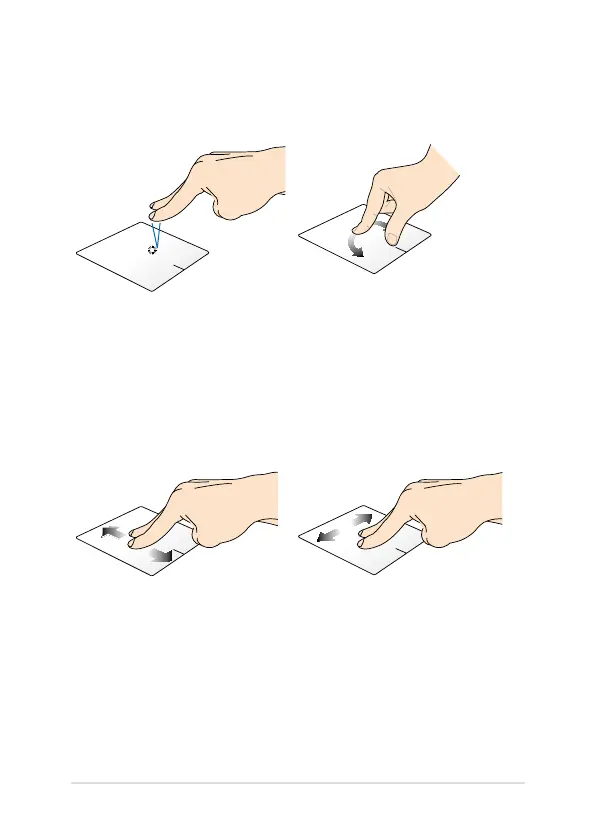
Two-nger gestures
Tap Rotate
Tap two ngers on the touchpad
to simulate the right-click
function.
To rotate an image, place two
ngers on the touchpad then
turn one nger clockwise or
counterclockwise while the other
stays still.
Two-nger scroll (up/down) Two-nger scroll (left/right)
Slide two ngers to scroll up or
down.
Slide two ngers to scroll left or
right.


 To Next Page
 Loading...