64
Notebook PC E-Manual
Turning your Notebook PC off
You can turn o your Notebook PC by doing either of the following
procedures:
• Hover on the lower left corner of your screen to
launch the Start Button, then right-click on it. In
the context menu, select Shutdown or signout
> Shut down.
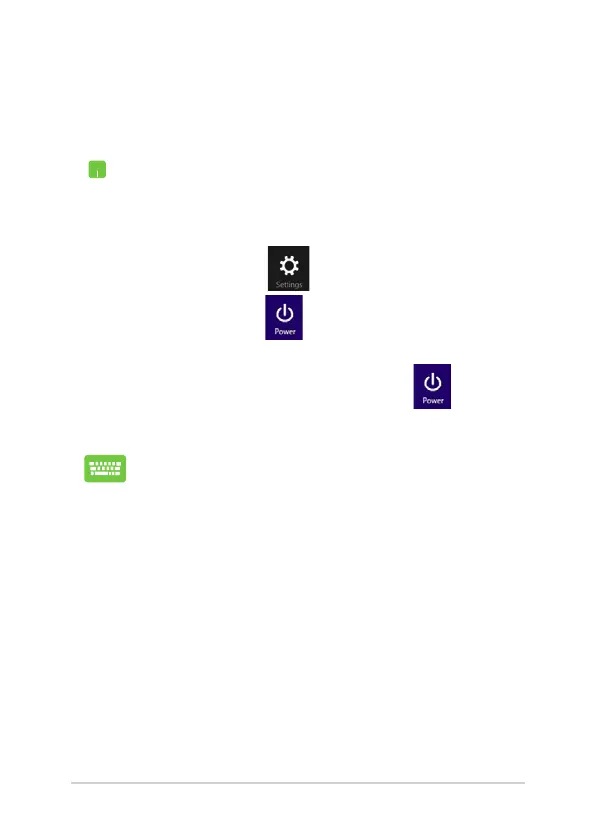
• Tap/click from the Charms bar then
tap/click > Shut down to do a normal
shutdown.
• Fromthelog-inscreen,tap/click > Shut
down.
• YoucanalsoshutdownyourNotebookPCusing
Desktop mode. To do this, launch the desktop
then press alt + f4 to launch the Shut Down
window. Select Shut Down from the drop-down
list then select OK.
• IfyourNotebookPCisunresponsive,press
and hold the power button for at least four (4)
seconds until your Notebook PC turns o.


 To Next Page
 Loading...