Notebook PC E-Manual
39
Using the optical drive
NOTE:
• Theactuallocationoftheelectronicejectbuttonmayvary
depending on your Notebook PC model.
• TheactualappearanceoftheNotebookPCopticaldrivemayalso
vary depending on model but usage procedures remain the same.
Inserting an optical disc
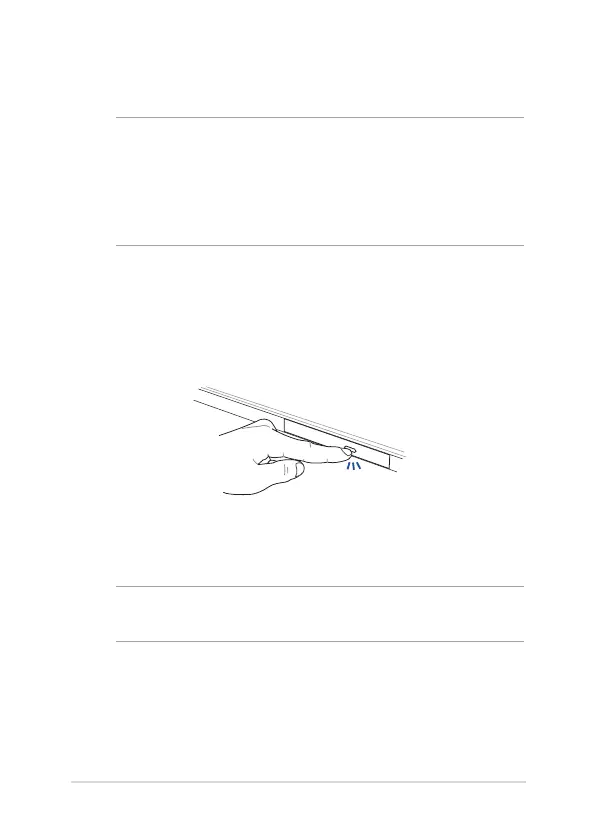
1. While the Notebook PC is on, press the electronic eject button to
partially eject the optical drive tray.
2. Gently pull out the drive tray.
IMPORTANT! Be careful not to touch the optical drive lens. Ensure that
there are no objects that may get jammed under the drive tray.


 To Next Page
 Loading...