21
3.1.1 Setting up the wireless security settings
To protect your wireless network from unauthorized access, you
needtocongureitssecuritysettings.
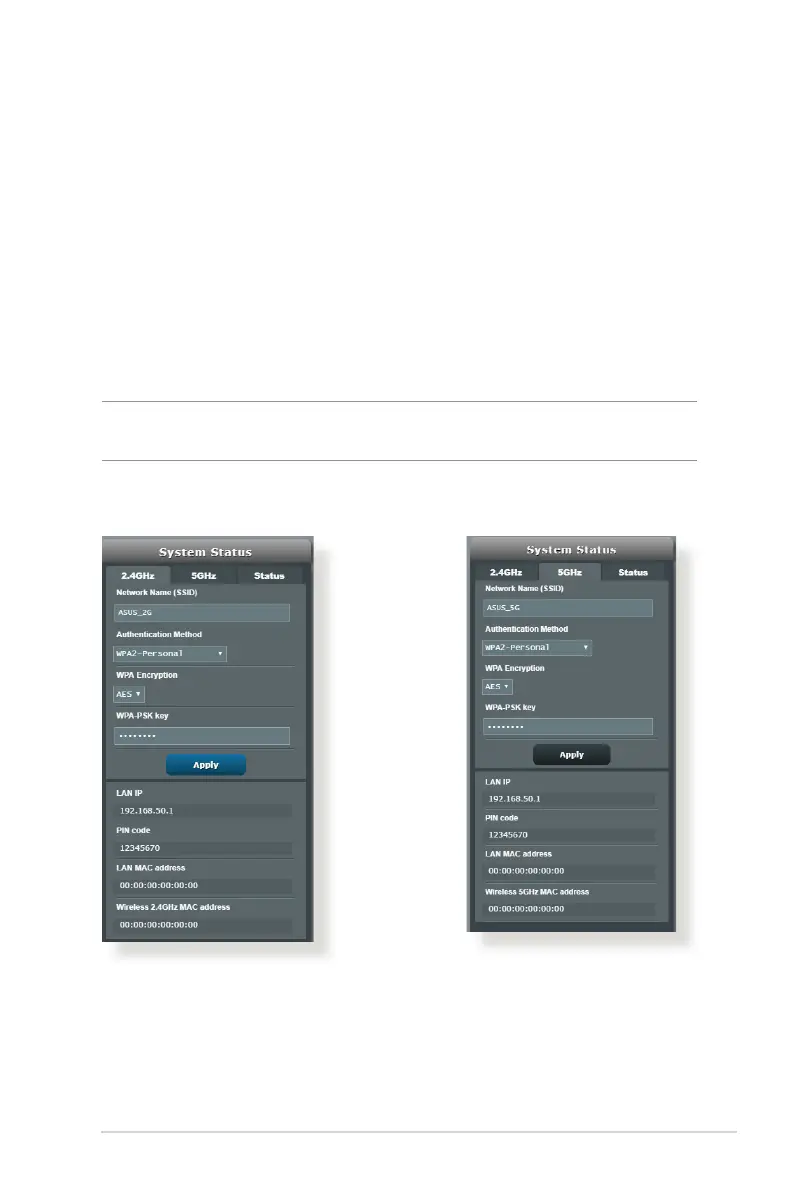
To set up the wireless security settings:
1. From the navigation panel, go to General > Network Map.
2. OntheNetworkMapscreenandunderSystem status, you can
congurethewirelesssecuritysettingssuchasSSID,security
level, and encryption settings.
NOTE: You can set up dierent wireless security settings for 2.4GHz and
5GHz bands.
2.4GHz security settings 5GHz security settings
3. On the Wireless name (SSID)eld,keyinauniquenamefor
your wireless network.


 To Next Page
 Loading...