5
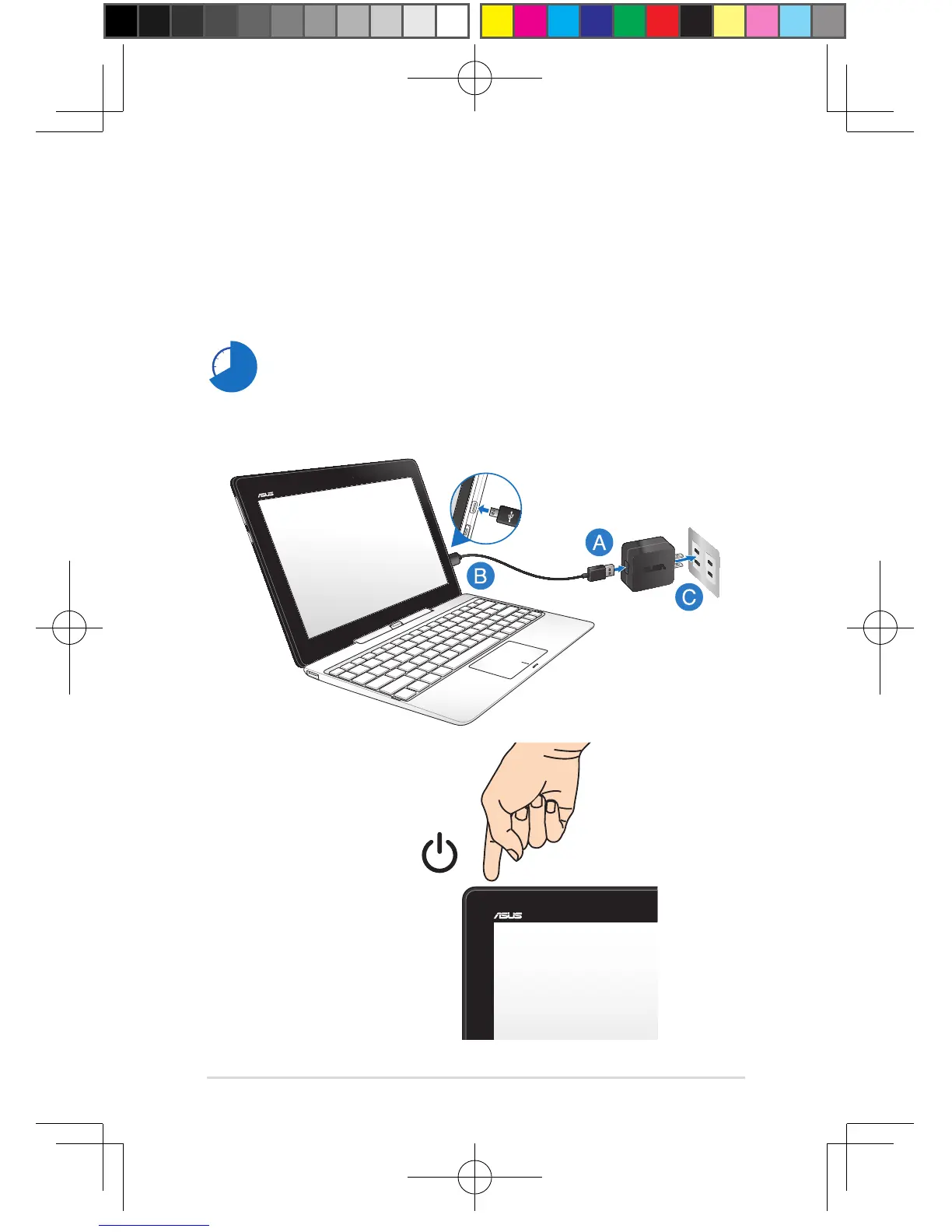
3. Press the power button.
IMPORTANT! The power adapter and its specication may vary with your package.
We recommend you to use the bundled power adapter.
Charge the Notebook PC for 8 hours before using it in battery mode for the
rst time.
2. Charge your Notebook PC.
A. Connect the micro USB cable to the power adapter.
B. Plug the micro USB connector into your Notebook PC.
C. Plug the power adapter into a grounded power outlet.


 To Next Page
 Loading...