Notebook PC E-Manual
41
Using the NumberPad (on selected models)
IMPORTANT! Please note that all versions of NumberPad are only
supported on the latest Microsoft Windows® operating system.
NOTE: To use the % and = function, set the input language to English.
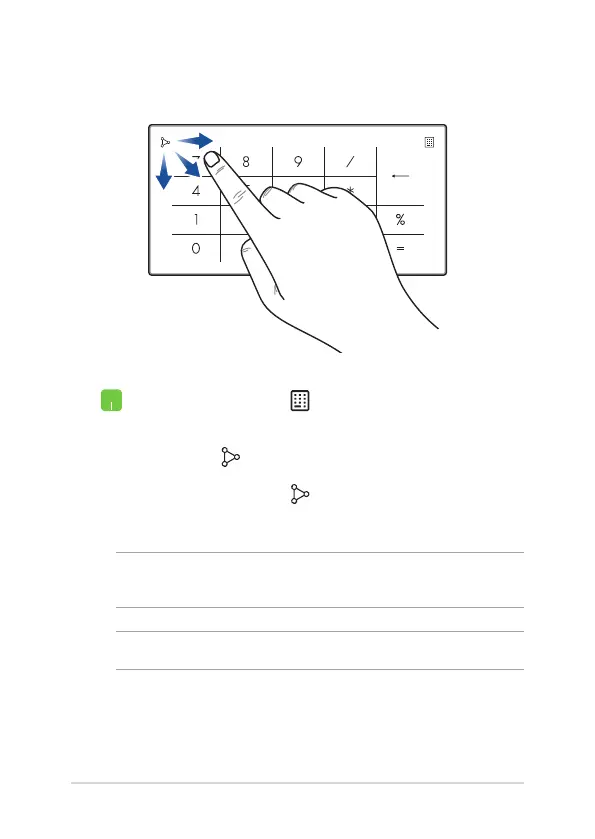
• Press and hold for a second to toggle between
number keys or touchpad.
• Tap to adjust brightness for the NumberPad.
• Press and hold then slide anywhere on the
NumberPad to launch Windows Calculator.


 To Next Page
 Loading...