3-1
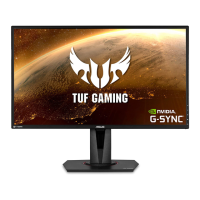
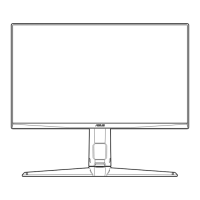
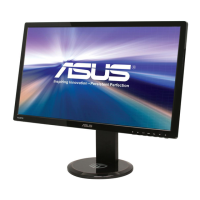
ASUS VG27AH LCD Monitor
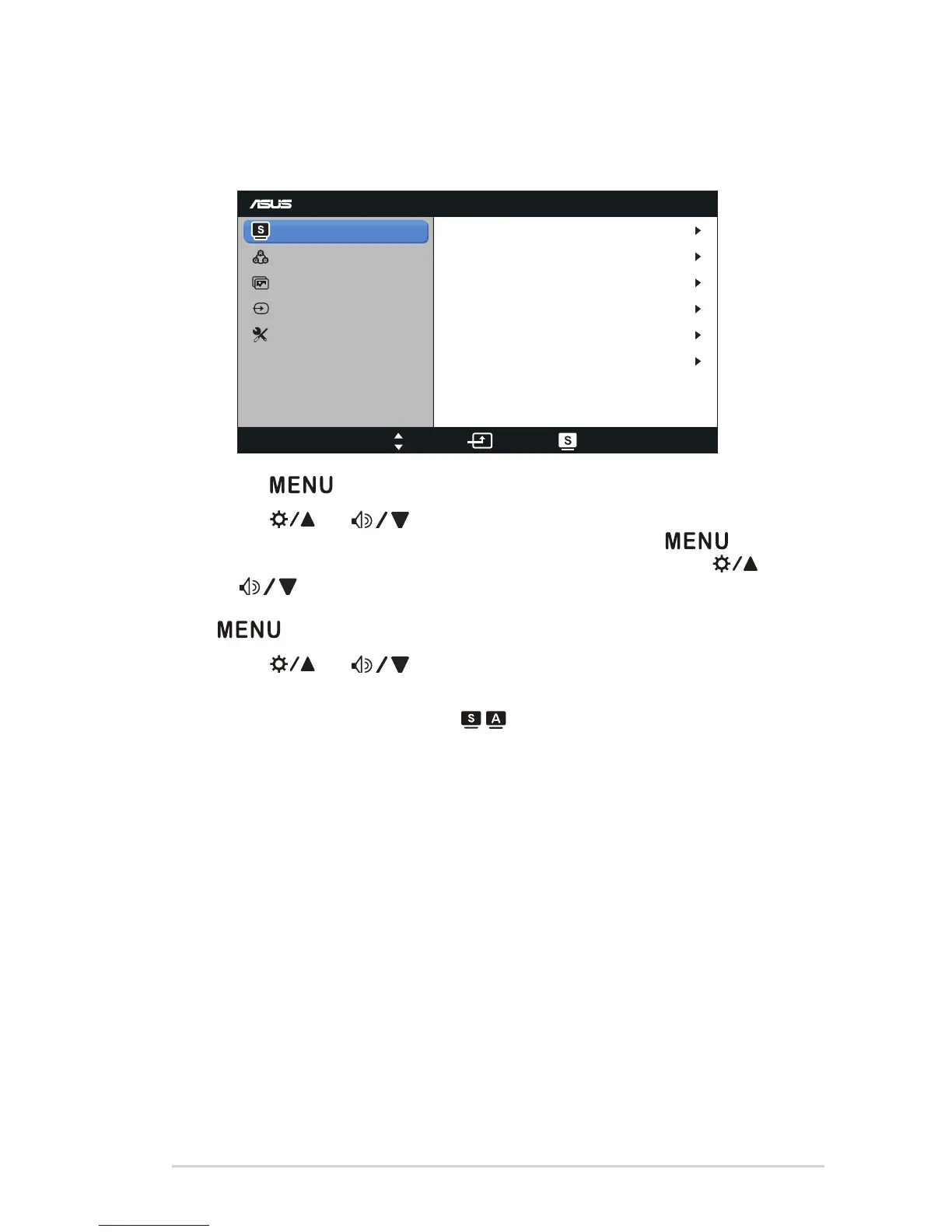
3.1 OSD (On-Screen Display) menu
3.1.1 Howtocongure
VG27A
Splendid
Color
Image
Input Select
Move Menu Exit
System Setup
Scenery Mode
Standard Mode
Theater Mode
Game Mode
Night View Mode
sRGB
1. Press [ ] button to activate the OSD menu.
2. Press [ ] or [ ] button to navigate through the functions.
Highlight and activate the desired function by pressing [ ]
button. If there is a sub-menu in the function selected, press [ ]
or [ ] button again to navigate through the sub-menu functions.
Highlight and activate the desired sub-menu function by pressing
[ ] button.
3. Press [ ] or [ ] button to change the settings of the selected
function.
4. To exit the OSD menu, press [ / ] button. Repeat step 2 and step
3 to adjust any other function.


 To Next Page
 Loading...