xi
Displays Used in This Manual
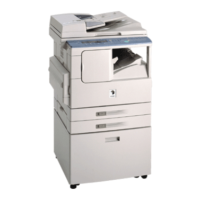
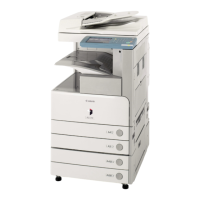
Screen shots of the touch panel display used in this manual are those taken when the following
optional equipment is attached to the iR2022i: the Finisher-U2, Additional Finisher Tray-C1,
Cassette Feeding Module-Q1, Duplex Unit-B1, and Super G3 FAX Board.
Note that functions that cannot be used depending on the model or options, are not displayed
on the touch panel display.
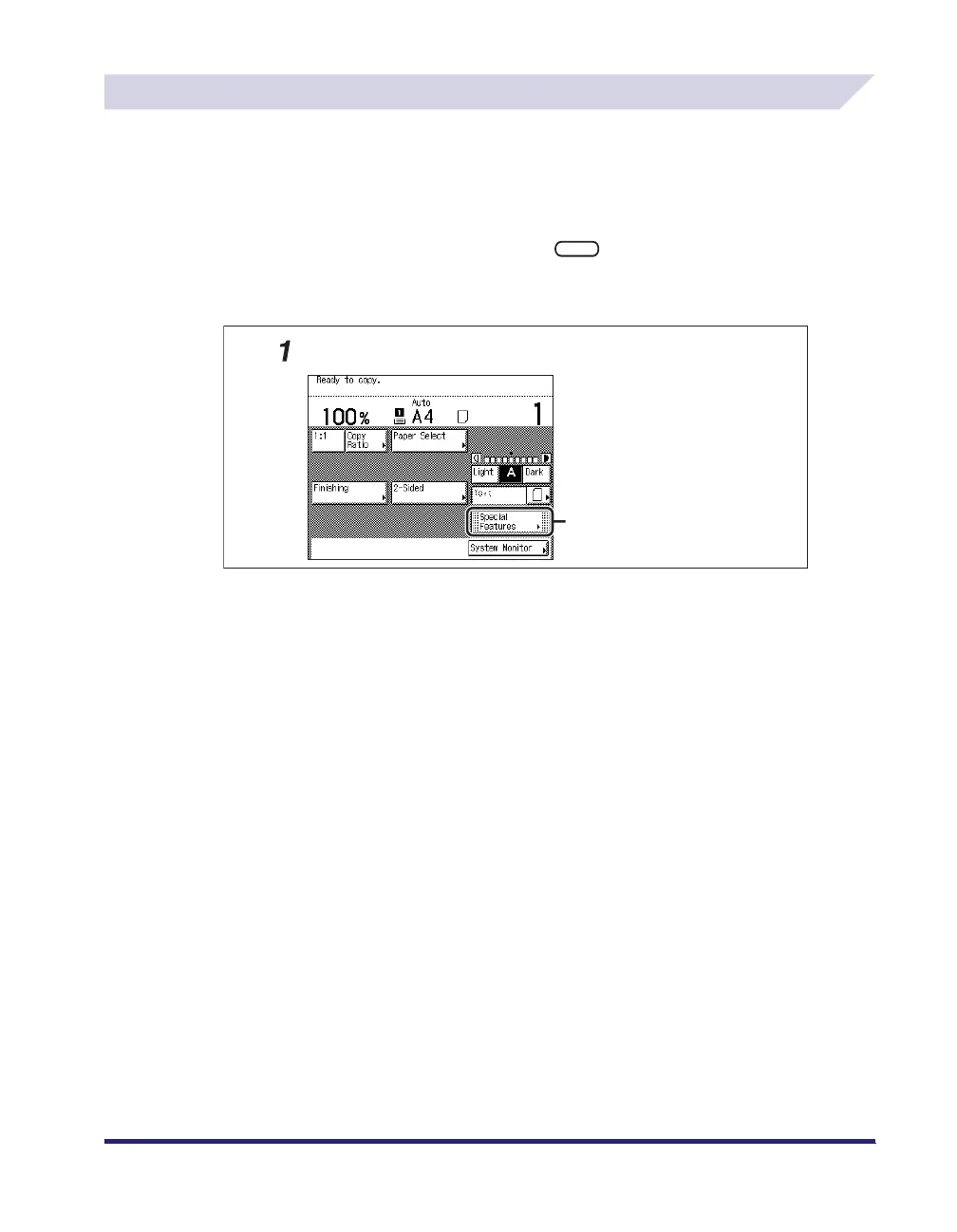
The keys which you should press are marked with a , as shown below.
When multiple keys can be pressed on the touch panel display, all keys are marked. Select the
keys which suit your needs.
Press this key for operation.
Place your originals ➞ press [Special Features].


 To Next Page
 Loading...