To Next PageTo Next Page
 Need help?
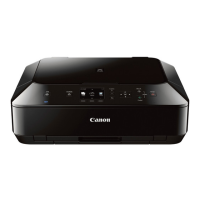
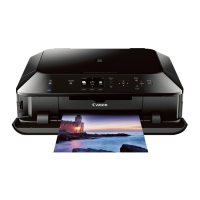
Do you have a question about the Canon PIXMA MG6120 Series and is the answer not in the manual?
Connect the machine to an access point or router using the easy setup method.
Connect the machine wirelessly to a network using the WPS push button method.
Connect the machine wirelessly using the Windows Connect Now (WCN) function.
 General
| Print Technology | Inkjet |
|---|---|
| Max Print Resolution | 9600 x 2400 dpi |
| Scanner Type | Flatbed |
| Max Scan Resolution | 2400 x 4800 dpi |
| Automatic Duplex Printing | Yes |
| Wireless Printing | Yes |
| Printer Type | All-in-One |
| Ethernet | No |
| Connectivity | USB |
| Supported Media Types | Plain paper, photo paper, envelopes |
| Functions | Print, Scan, Copy |
| Paper Sizes | Letter, Legal, Envelope |
| Mobile Printing | Yes |
| Color Depth | 48-bit internal / 24-bit external |
| Maximum Document Size | 8.5 x 11.7 inches |
| Ink Cartridge Configuration | Black |