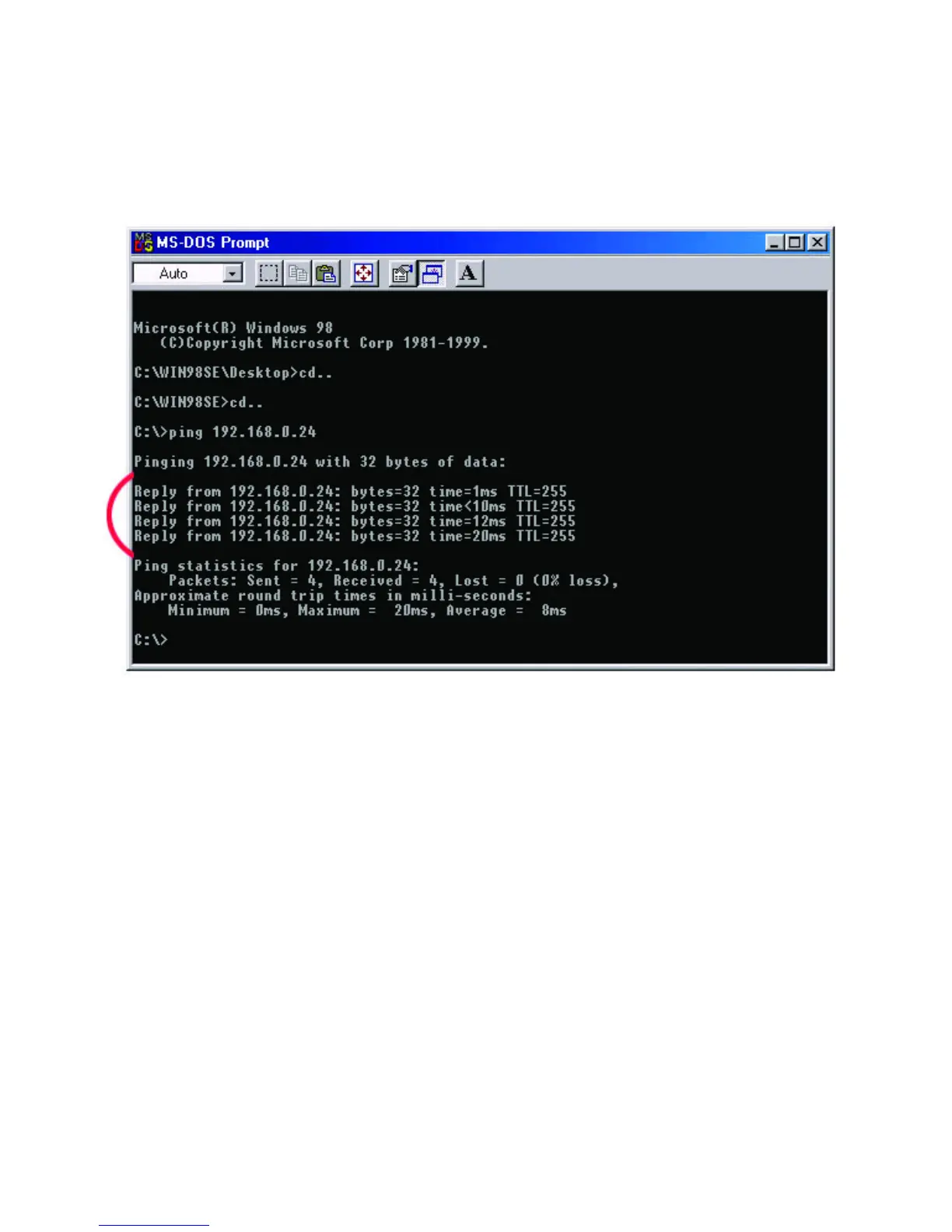
Type in the following: ping xxx.xxx.xxx.xxx, where xxx.xxx.xxx.xxx is the IP
address to be pinged (i.e. 192.168.0.24). In this case, computer B with the IP
address=192.168.0.24 is being pinged from computer A. Press Enter to begin
pinging.
If the connection is good, you will receive four "Reply from" messages. Type exit at
the prompt to return to Windows.


 To Next Page
 Loading...










