4D-Link DFE-690TXD Quick Install Guide
Software Installation
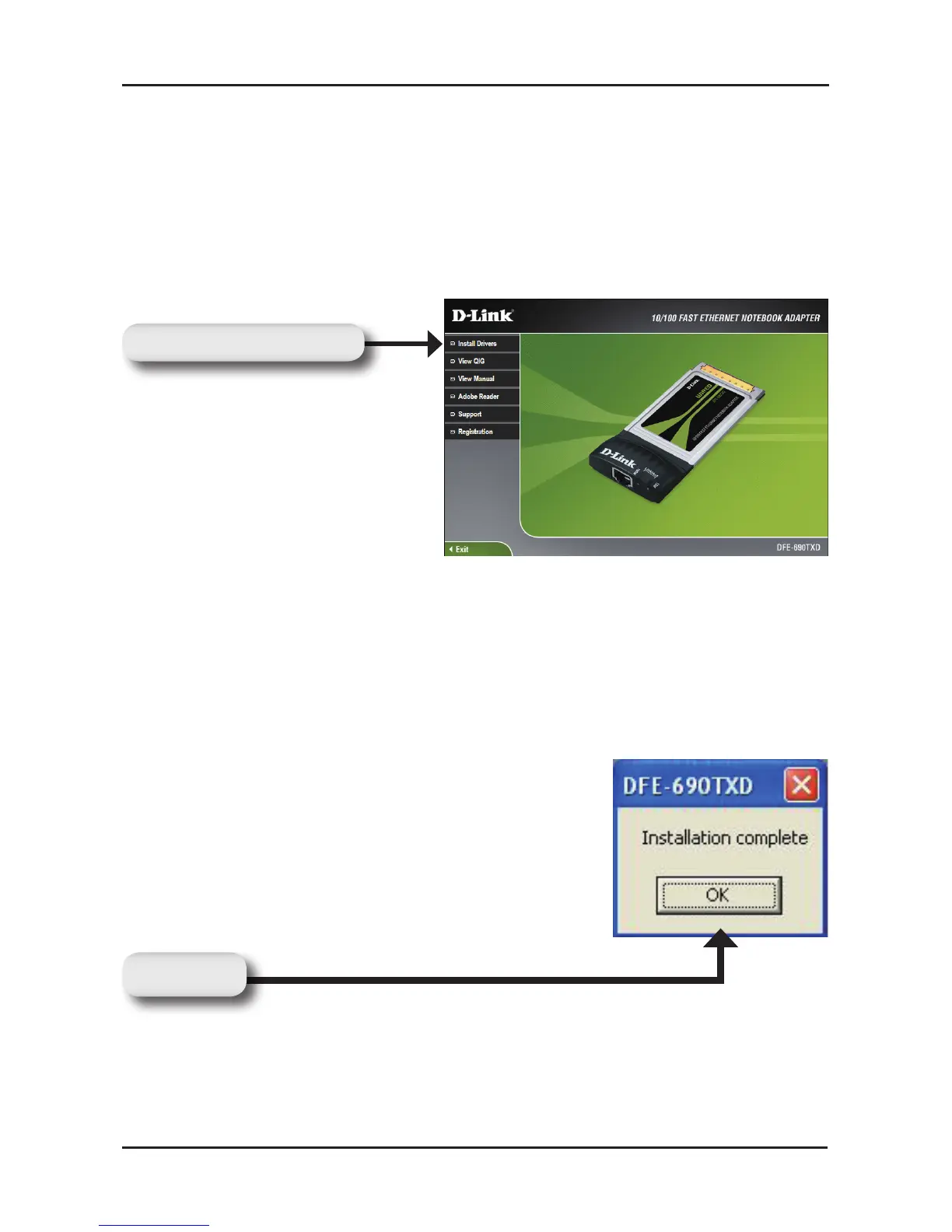
Turn on the computer and Insert the D-Link DFE-690TXD Driver CD
into the CD-ROM drive. The step-by-step instructions are shown in
Windows
®
XP, and are similar in other Windows
®
operating systems.
If the CD Autorun function does not automatically start on your
computer, go to
Start > Run. In the Run command box, type
“D:\DFE690TXD.exe” (where D: represents the drive letter of your
CD-ROM drive). If it does start, proceed to the next screen.
Note: Select “Yes”, if you are prompted to restart your computer.
Restart the computer manually if the prompt does not occur. (Go to
Start > Shut down > Shut-down).
Software Installation
Click Install Drivers
Click OK


 To Next Page
 Loading...












