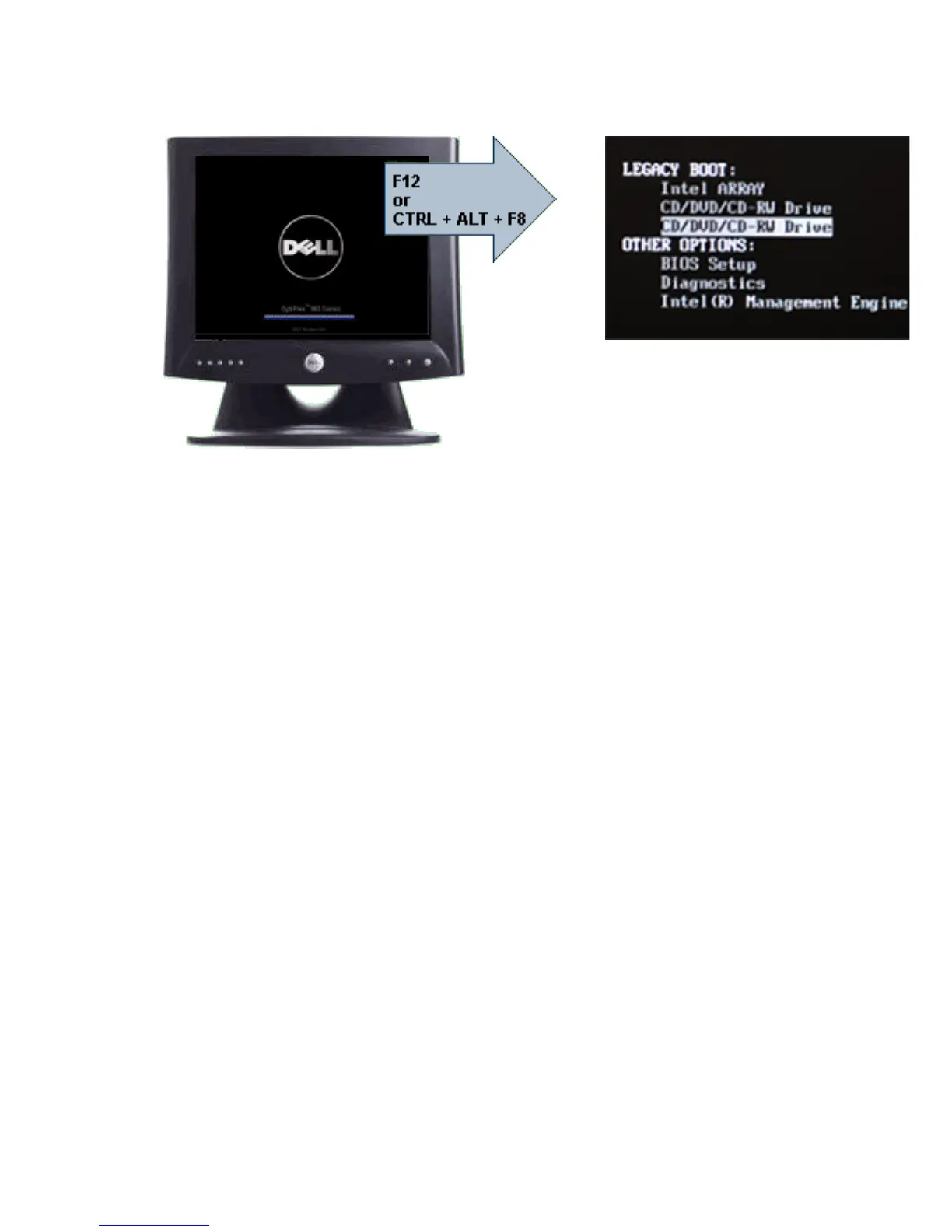
When you enter the <F12> or <Ctrl><Alt><F8> keystroke correctly, the computer
beeps. The key sequence invokes the Boot Device Menu.
Since the one-time boot menu only affects the current boot, it has the added
benefit of not requiring the technician to restore the customer's boot order after
completing troubleshooting.
Timing Key Sequences
The keyboard is not the first device initialized by Setup. As a result, if you press
a keystroke too early, you lock out the keyboard. When this happens, a
keyboard error message appears on the monitor, and you cannot restart the
system with the <Ctrl><Alt><Del> keys.
To avoid this scenario, wait until the keyboard is initialized before pressing the
keystroke. There are two ways to know that this has happened:
•
The keyboard lights flash.
• The "F2=Setup" prompt appears in the top right-hand corner of the screen
during boot.
The second method is good if the monitor is already warmed up. If it is not, the
system often passes the window of opportunity before the video signal is
visible. If this is the case, rely on the first method—the keyboard lights—to
know the keyboard is initialized.
Navigation
The computer setup can be navigated by either the keyboard or the mouse.
Use the following keystrokes to navigate the BIOS screens:
56


 To Next Page
 Loading...