EasyManua.ls Logo

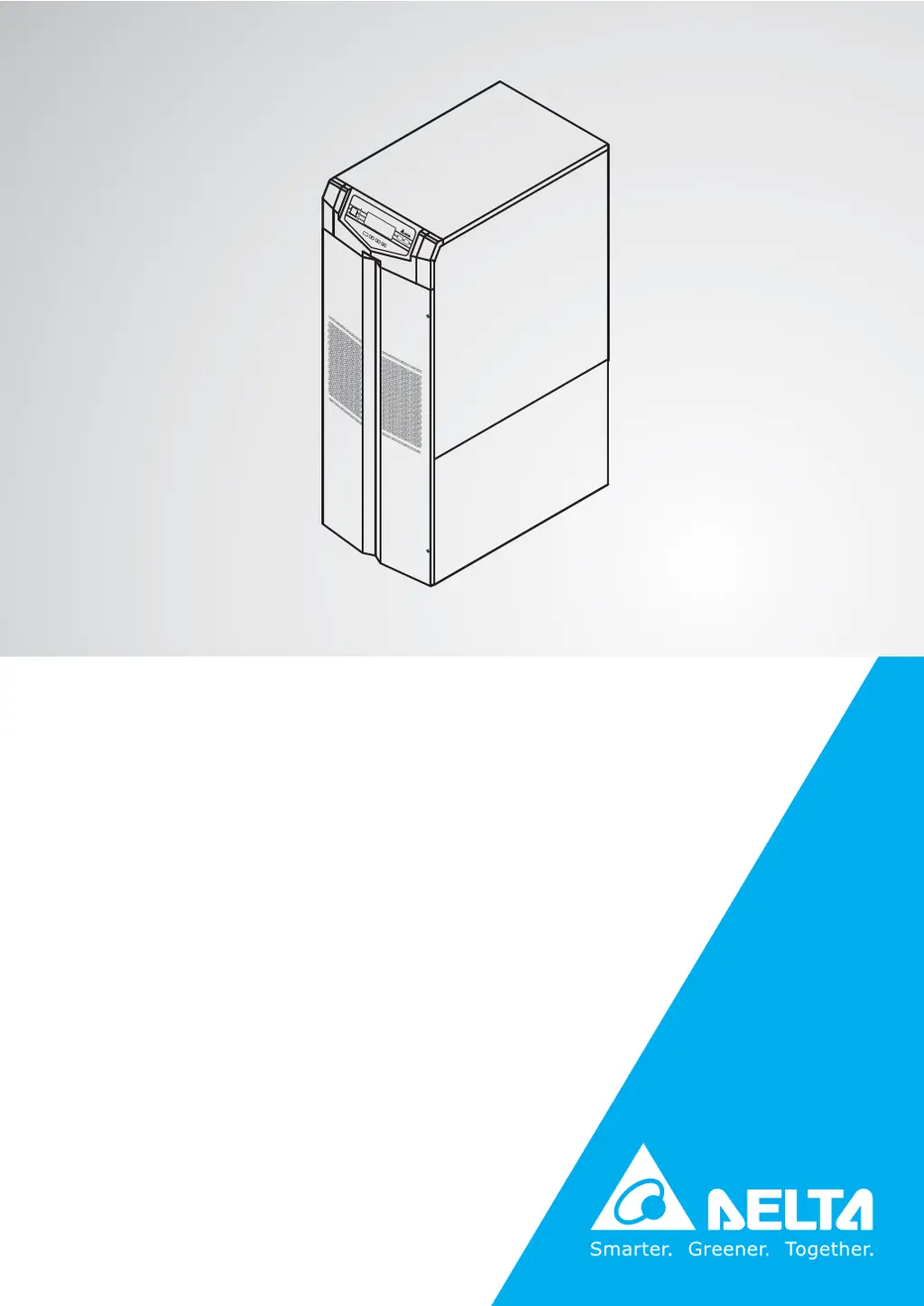
Delta Ultron GES203HH33B035 - User Manual

Delta Ultron GES203HH33B035
70 pages
Print Icon
To Next Page IconTo Next Page
Loading...
Delta UPS - Ultron Family
The power behind competitiveness
www.deltapowersolutions.com
HPH Integrated Battery Series, Three Phase
20/30/40 kVA
User Manual
N
O
RM
A
L
B
A
TTE
RY
B
YP
A
S
S
F
A
U
L
T
ON
OFF
ESC

Questions and Answers

Summary

Important Safety Instructions

Placement Warnings

Guidelines for installing the UPS in a safe, well-ventilated area away from hazards. Leave space for ventilation.

Connection Warnings

Essential grounding and protective device requirements for safe UPS electrical connections.

Usage Warnings

Important precautions regarding product classification, interference, ventilation, and battery handling.

Introduction

Functions and Features

Detailed explanation of the UPS's various functions, operational modes, and advanced features.

Appearance and Mechanism

Control Panel

Describes the function of each button, LED indicator, and the LCD display on the UPS control panel.

Rear Panel

Details the various ports, connectors, and switches located on the rear of the UPS.

Installation and Wiring

Precautions Prior to Installation and Wiring

General safety and procedural guidelines to follow before starting UPS installation and wiring.

Wiring

Procedures and guidelines for connecting the UPS power and communication cables.

Operation

Summary

Important Safety Instructions

Placement Warnings

Guidelines for installing the UPS in a safe, well-ventilated area away from hazards. Leave space for ventilation.

Connection Warnings

Essential grounding and protective device requirements for safe UPS electrical connections.

Usage Warnings

Important precautions regarding product classification, interference, ventilation, and battery handling.

Introduction

Functions and Features

Detailed explanation of the UPS's various functions, operational modes, and advanced features.

Appearance and Mechanism

Control Panel

Describes the function of each button, LED indicator, and the LCD display on the UPS control panel.

Rear Panel

Details the various ports, connectors, and switches located on the rear of the UPS.

Installation and Wiring

Precautions Prior to Installation and Wiring

General safety and procedural guidelines to follow before starting UPS installation and wiring.

Wiring

Procedures and guidelines for connecting the UPS power and communication cables.

Operation

Delta Ultron GES203HH33B035 Specifications

General IconGeneral
ModelGES203HH33B035
CategoryUPS
TopologyDouble Conversion Online
Frequency50 / 60 Hz
Transfer Time0 ms
Communication InterfaceRS-232, SNMP
Operating Temperature0 ~ 40 °C
Humidity0% to 95% (Non-condensing)

Related product manuals