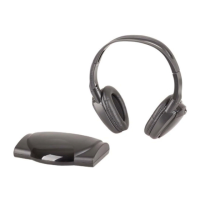
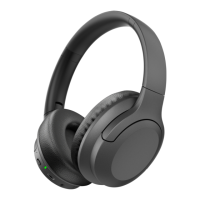
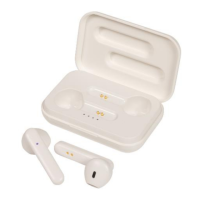
Charging Case:
1. Insert the USB micro B charging cable in a
5VDC mains power adaptor (not included) or a
suitable USB charging port such as a
computer.
2. Insert the micro B USB plug into the USB
power socket of the charging case.
3. The LED status indicator will flash blue once
charging has started.
4. Once fully charged; the LED status indicator
will turn to a solid blue.
Troubleshooting:
Connect to a suitable USB charging
source such as a USB mains power
adaptor or USB charging port and
make sure it's correctly turned on.
Make sure the battery is fully
charged up to 2 hours and make sure
the LED status indicator has turned
off.


 To Next Page
 Loading...