18
Installing the Motherboard
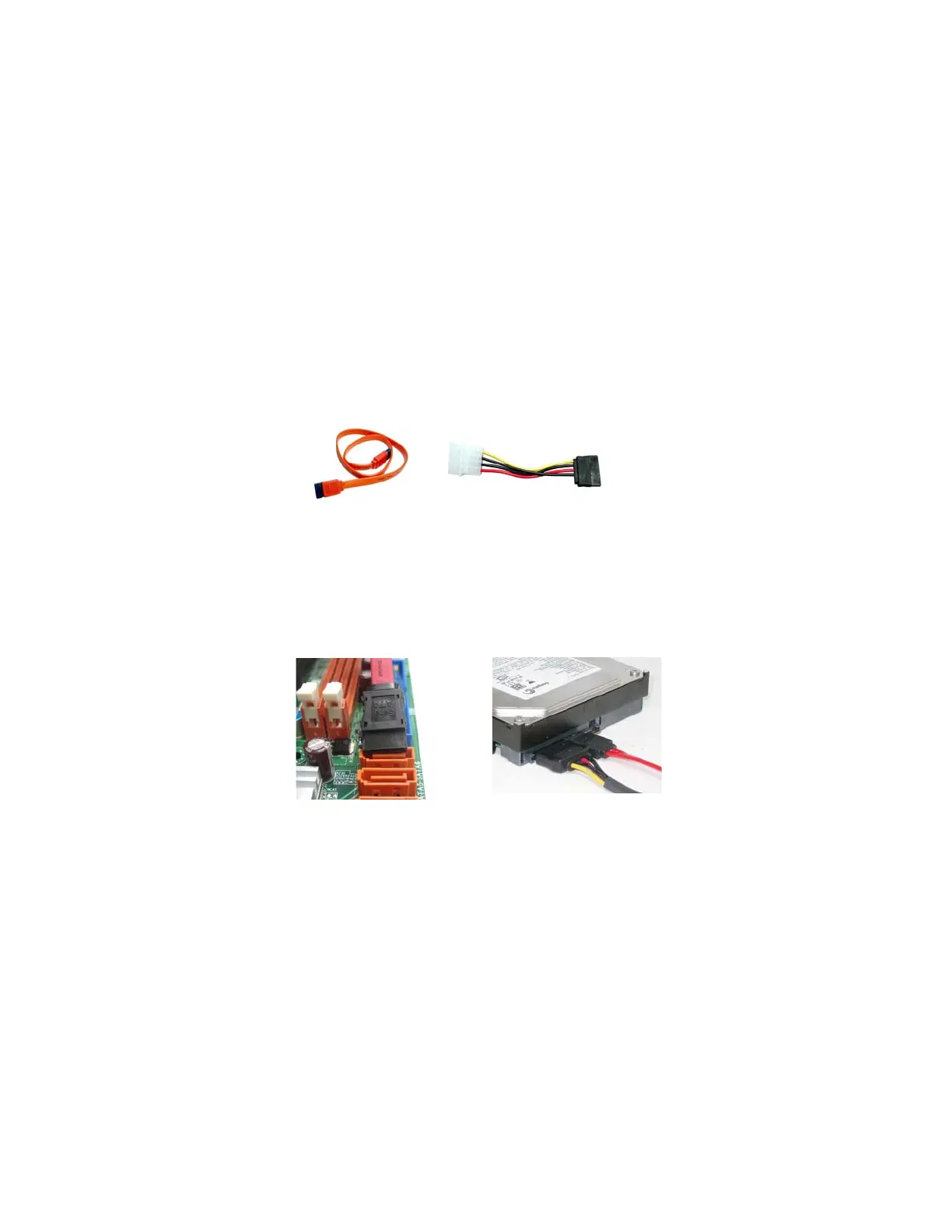
Refer to the illustration below for proper installation:
1 Attach either cable end to the connector on the motherboard.
2 Attach the other cable end to the SATA hard drive.
3 Attach the SATA power cable to the SATA hard drive and connect the
other end to the power supply.
SATA cable (optional)
SATA power cable (optional)
About SATA Connectors
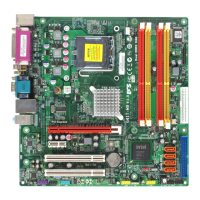
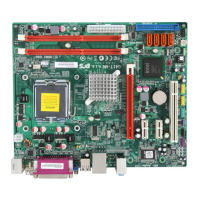
Your motherboard features four SATA connectors supporting a total of four drives.
SATA refers to Serial ATA (Advanced Technology Attachment) is the standard inter-
face for the IDE hard drives which are currently used in most PCs. These connectors
are well designed and will only fit in one orientation. Locate the SATA connectors on
the motherboard and follow the illustration below to install the SATA hard drives.
Installing a SATA Hard Drive
This section describes how to install a SATA Hard Drive.



 To Next Page
 Loading...