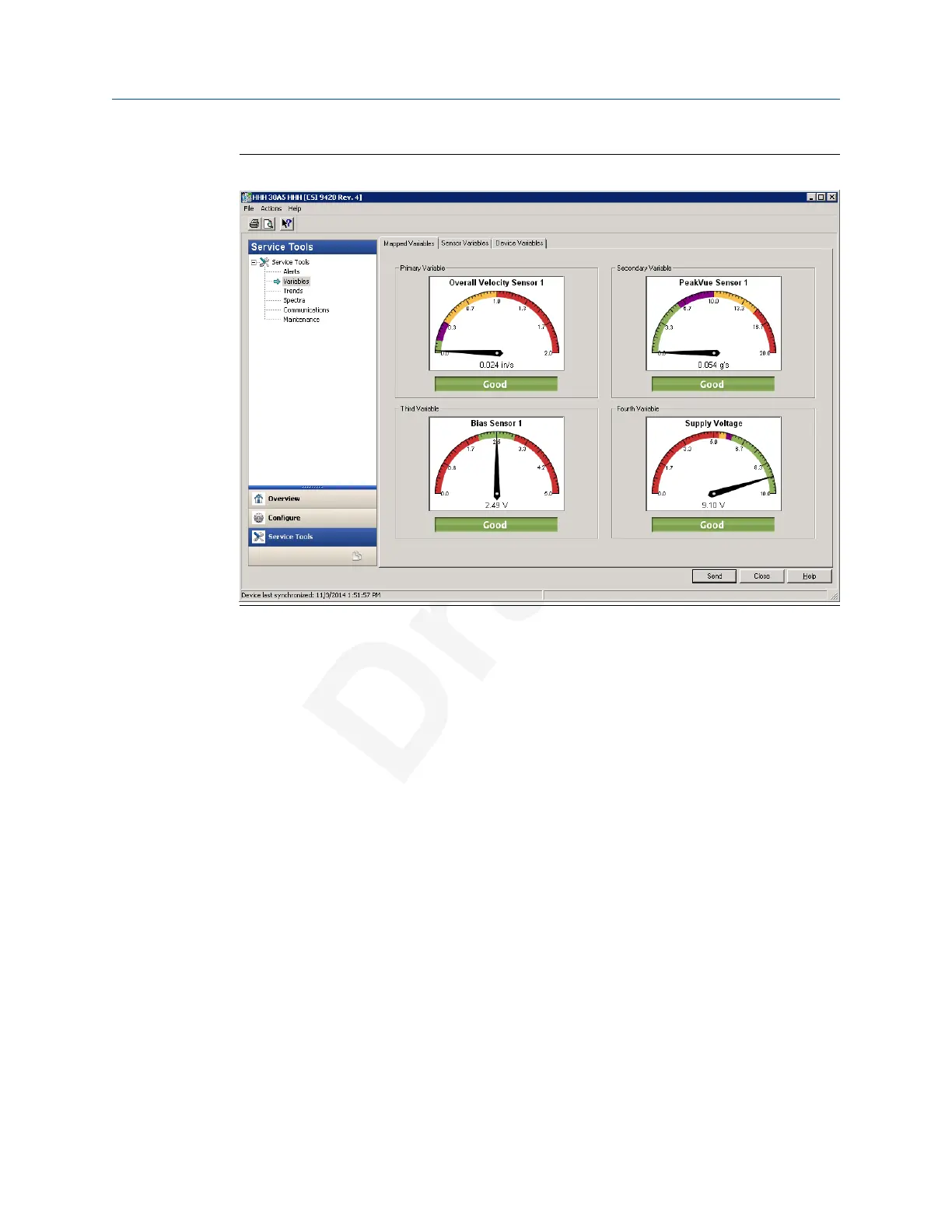
Figure 2-10: Variables
Click the Device Variables to display graphical gauges of all the variables.
Click the Mapped to display graphical gauges of the variables that you set as primary,
secondary, tertiary, and quarternary.
Click the tabs for Z Axis, X-Y Axis, Battery Voltage, Velocity, Acceleration, and Speed to
view graphical gauges for each of these parameters.
Spectra
This tab allows you to retrieve spectral data from the device.
Configuration User Guide
July 2020 MHM-97927-PBF
36 MHM-97927-PBF, DRAFT


 To Next Page
 Loading...











