5-4
Garmin GTR 225/225A/225B Pilot’s Guide
190-01182-00 Rev. B
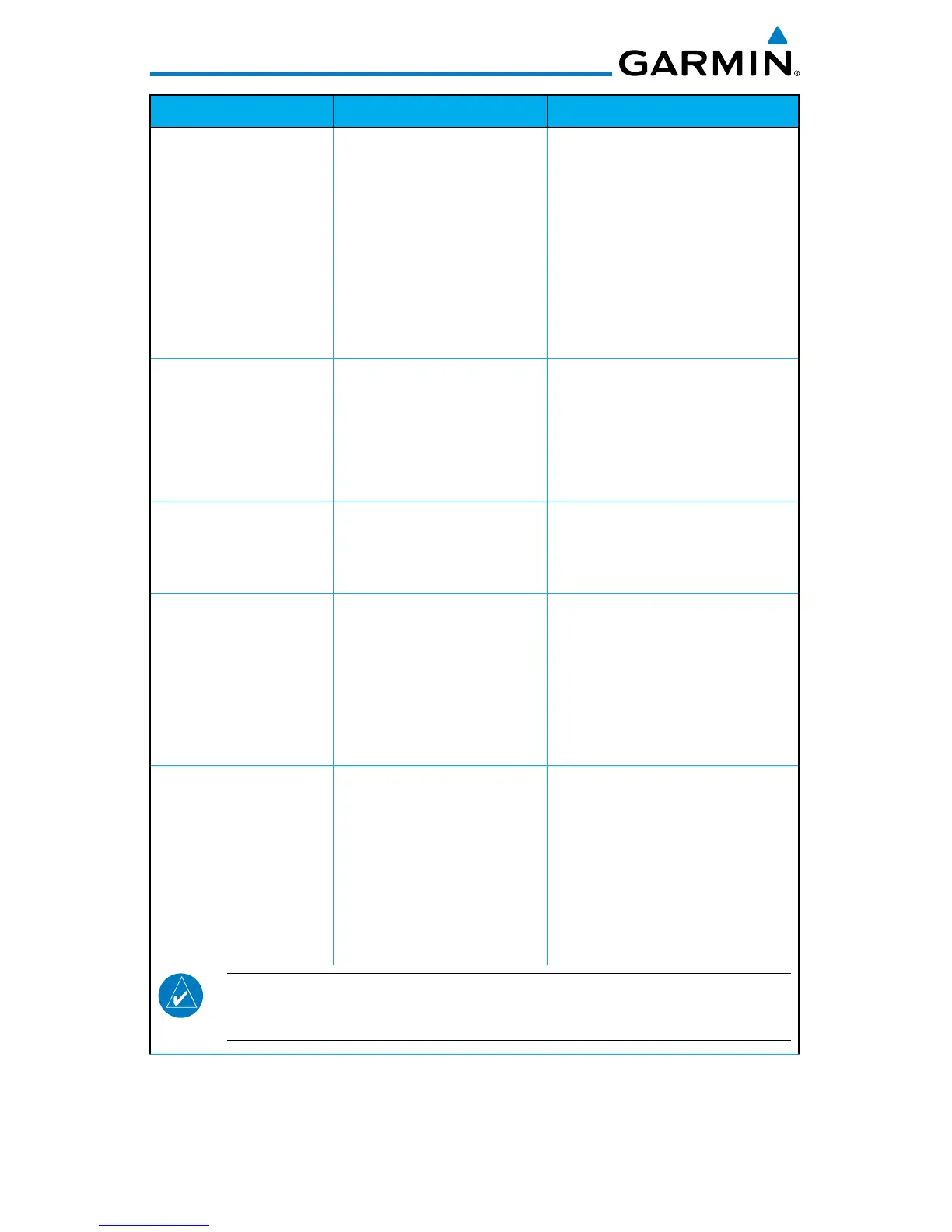
Message Description Action
COM RADIO -
COM locked to 121.5
MHz. Hold remote
COM transfer key to
exit.
COM
radio is locked to
121.5 MHz.
The external
COM
remote
transfer (COM RMT XFR)
switch has been held and the
COM
radio is tuned to 121.5.
To exit this mode, hold the
COM
remote transfer (COM
RMT XFR) switch for two
seconds.
COOLING FAN -
The cooling fan has
failed.
The GTN cooling fan is
powered, but it is not
turning at the desired
RPM.
Decrease cabin temperature
and increase cabin airflow
(especially near the GTN) to
prevent damage to the unit.
Contact dealer for service.
DISPLAY -
Display board needs
service.
The display board is
indicating that it needs
service.
Contact dealer for service.
FEATURE UNLOCK
FAILURE
The database on the
USB flash drive is corrupt
or the system ID in the
database does not match
the unit’s system ID.
Verify that the correct system
ID is entered into flyGarmin.
com when downloading the
database. Contact Garmin
Customer Support if this
message persists.
NO UNLOCK FILE - The USB flash drive
is missing the feature
unlock file for the
frequency database.
Verify the correct system ID
is entered on flyGarmin.com
and the frequency database
is downloaded onto the USB
flash drive. Contact Garmin
Customer Support if this
message persists.
NOTE: The GNC 255’s system ID is required when downloading the
frequency database. See section 3.4.8 for details on the system ID.


 To Next Page
 Loading...