49-5000095 Rev. 1 5
Controls
Controls
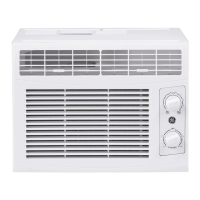
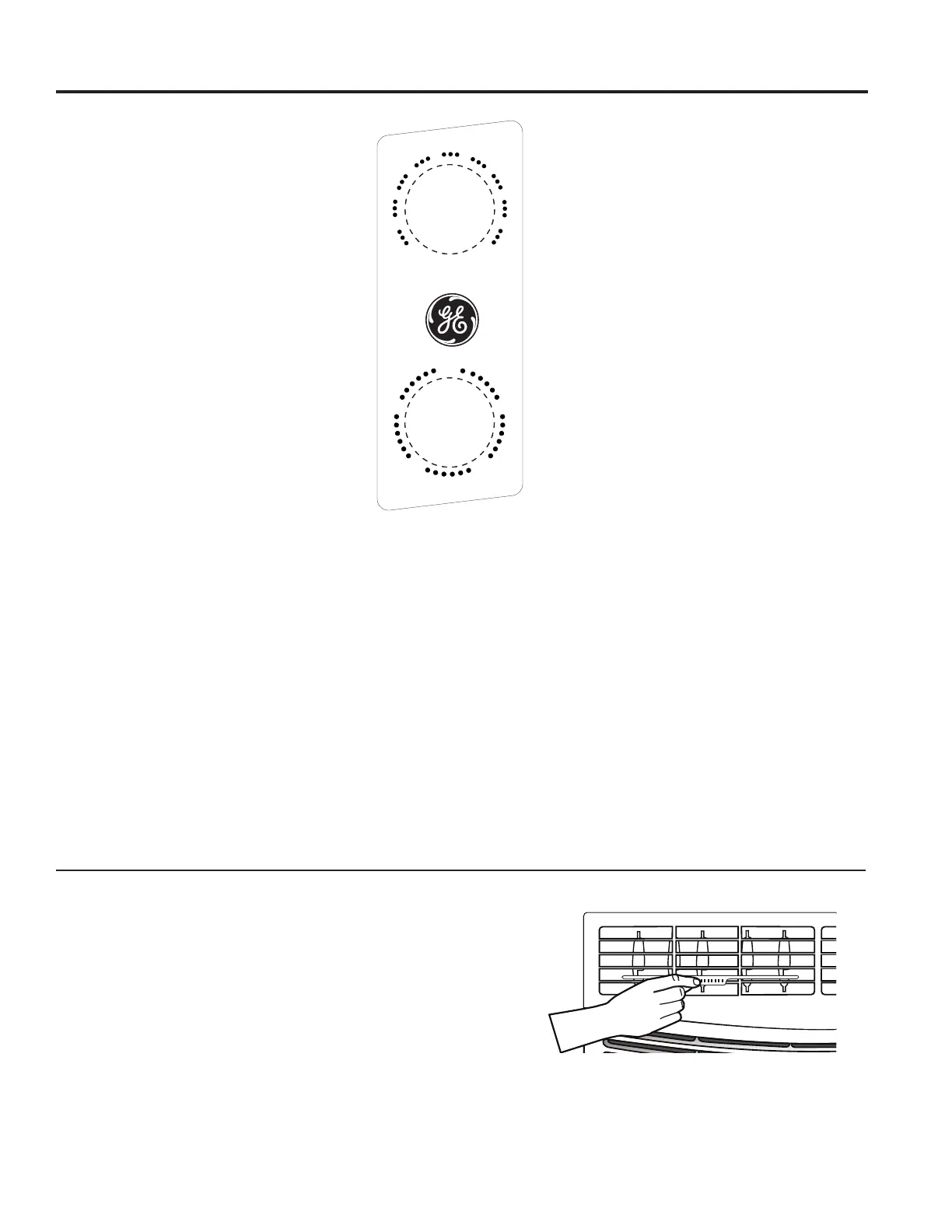
1. Temperature Control
This determines how much cooling is provided.
Max Cool - 10 provides the most cooling and
Min Cool - 1 provides the least.
Cooling Descriptions
For Normal Cooling—Select 4-7 on the dial with
HCool r LCool selected.
For Maximum Cooling—Select 8-10 on the dial with
HCool selected.
For Quieter and Nighttime Cooling—Select 1-3 on
the dial with LCool selected.
2. Mode Control
HCool and LCool provide cooling with different fan
speeds.
HFan and LFan provide circulation and filtering without
cooling.
NOTE: If you move the Temperature control from a
cool setting to a fan setting or power off the unit while
cooling, wait at least 3 minutes before switching back
to a cool setting.
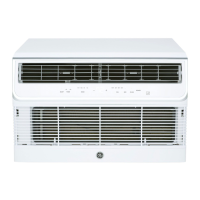
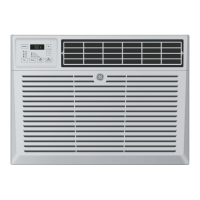
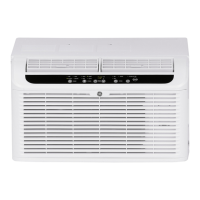
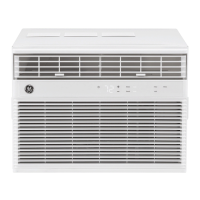
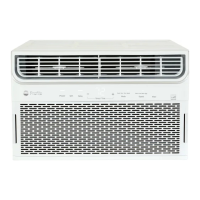
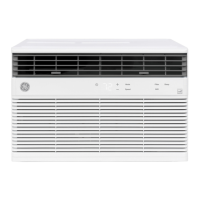
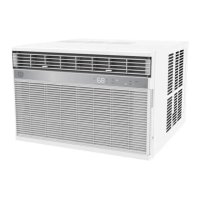
Features and appearance will vary.
Air Conditioner Controls
Air Direction
8VHWKHOHYHUWRDGMXVWWKHDLUGLUHFWLRQOHIWWRULJKW
USING THE AIR CONDITIONER
Min Max
1
2
3
4
56
7
8
9
10
Cool Cool
OFF
H CoolL Cool
L Fa n H Fan


 To Next Page
 Loading...