GREE Air-ccoled Closed Control Unit Service Manual
77
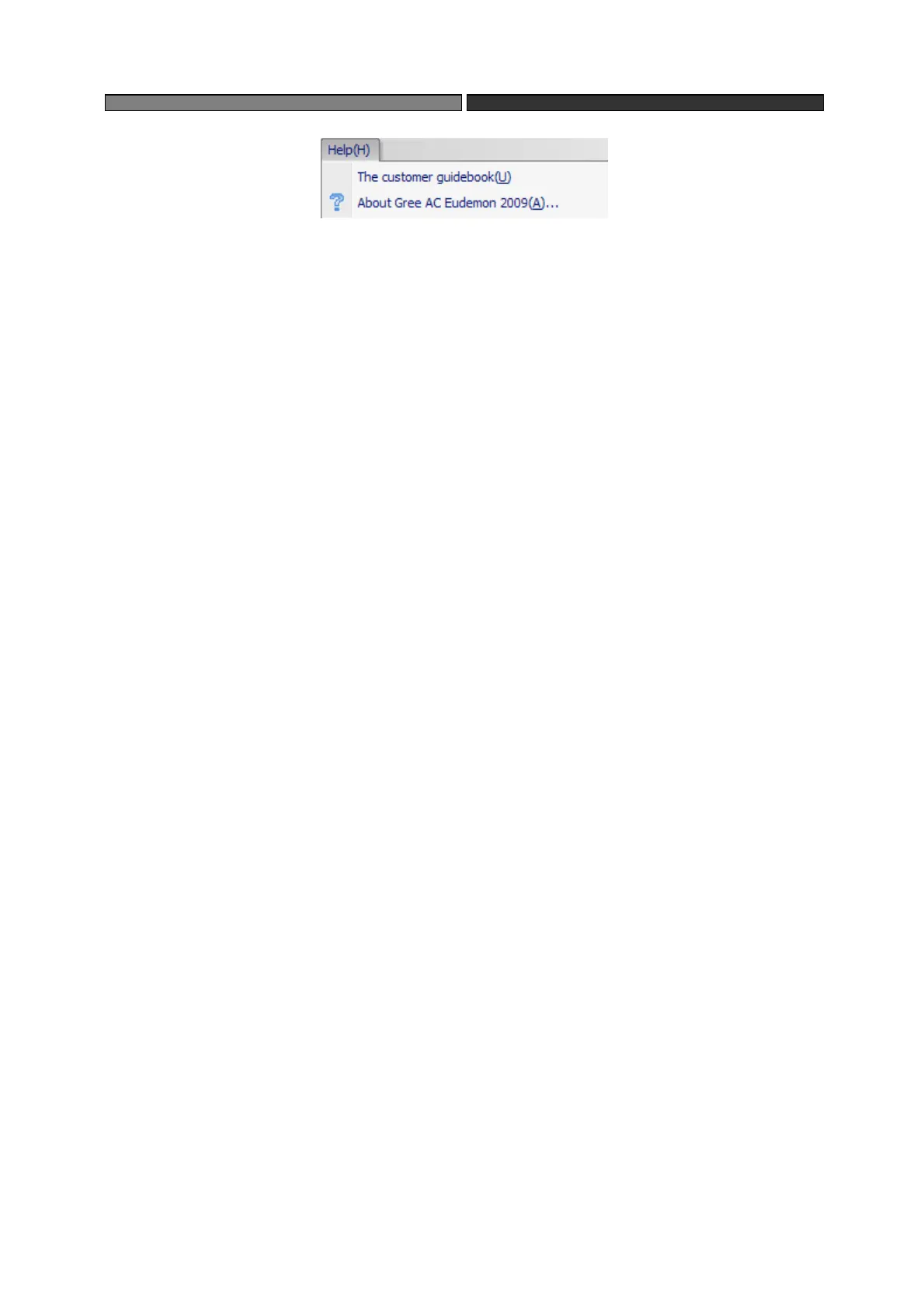
“help”
Tool:
The buttons on “tool bar” are those setting and operation usually used in main menu.
From the left to right are: the customer login, system configuration, connect, disconnect, unit
control, connection management, about.
Network view: clearly show the project structure in “network” and “position” two ways.
Select “network” to show the project topology structure; select “position” to show actual position
of the project (e.g., floors and rooms where the unit is located).
Parameter view: consist of unit information and equipment information. Unit information
shows the information of main module during modular operation, equipment information shows
related parameter of selected equipment.
System information: consist of “Circulate”, “Operation” and “Malfunction”, separately
shows the history record of running, operation and malfunction.
4.4 Unit and equipment management
4.4.1 Add unit and equipment
Click Main Menu->System->The equipments examines automatically, the software can find
the added
equipment.


 To Next Page
 Loading...