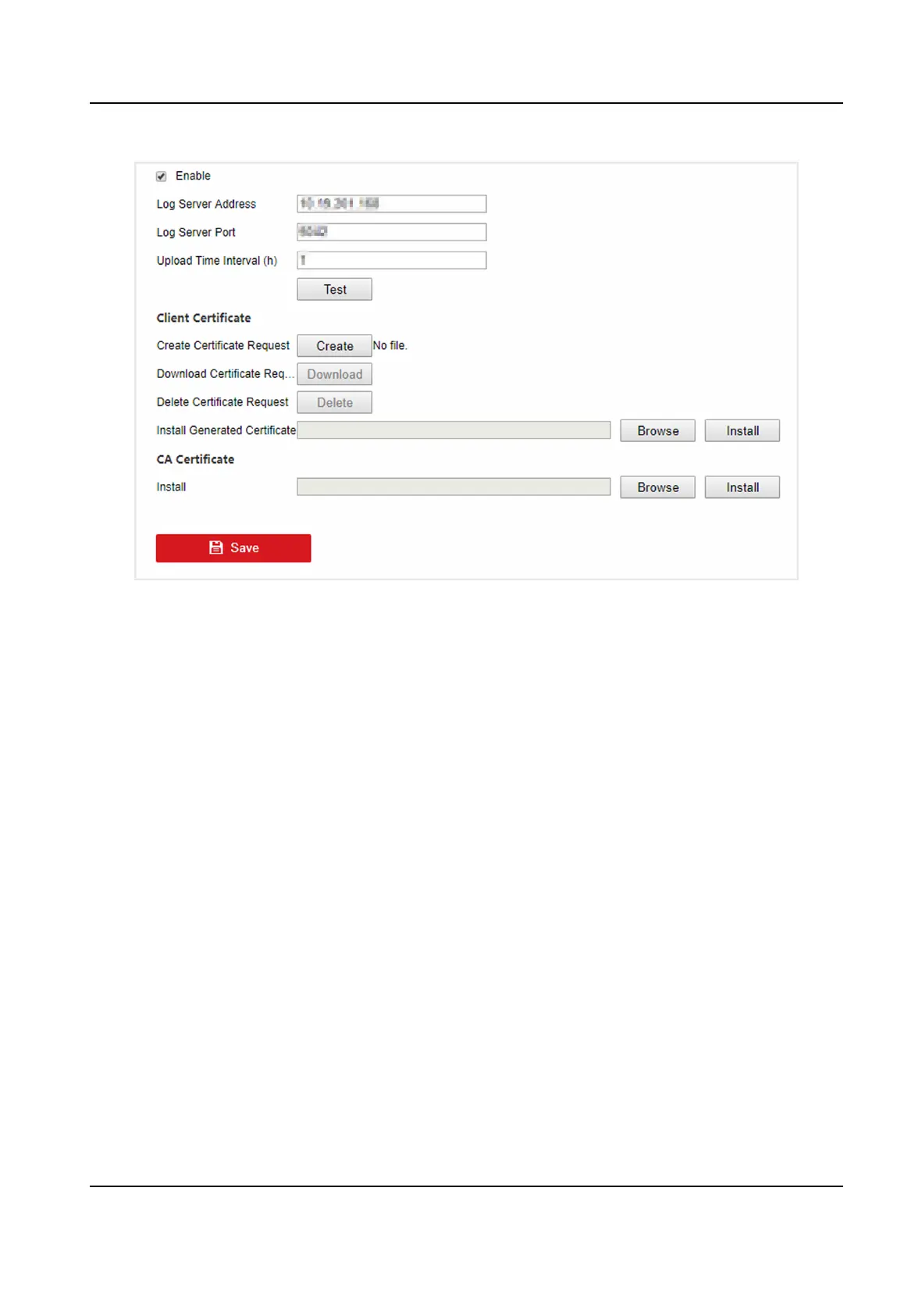
Figure 6-7 One-Way Authencaon
2.
Install the CA cercate in CA Cercate.
3.
Oponal: Click Test to test if the connecon is valid.
4.
Click Save.
Two-Way
Authencaon
You can install a CA cercate (from the server) to your device to authorize the server, and create a
cercate (from your device) to authorize your device by the server. This would improve the log
communicaon security. Two-way authencaon can be congured via web browser.
Before You Start
●
Download the CA cercate from the server.
●
Ensure log server parameters are valid.
Steps
1.
Go to
Conguraon → Network → Advanced Sengs → Log Server Conguraon .
Digital Video Recorder User Manual
45



 To Next Page
 Loading...




