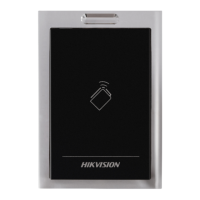
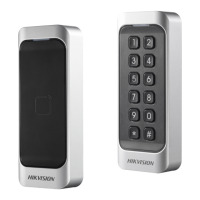
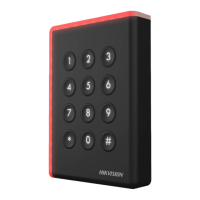
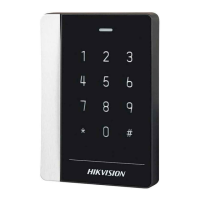
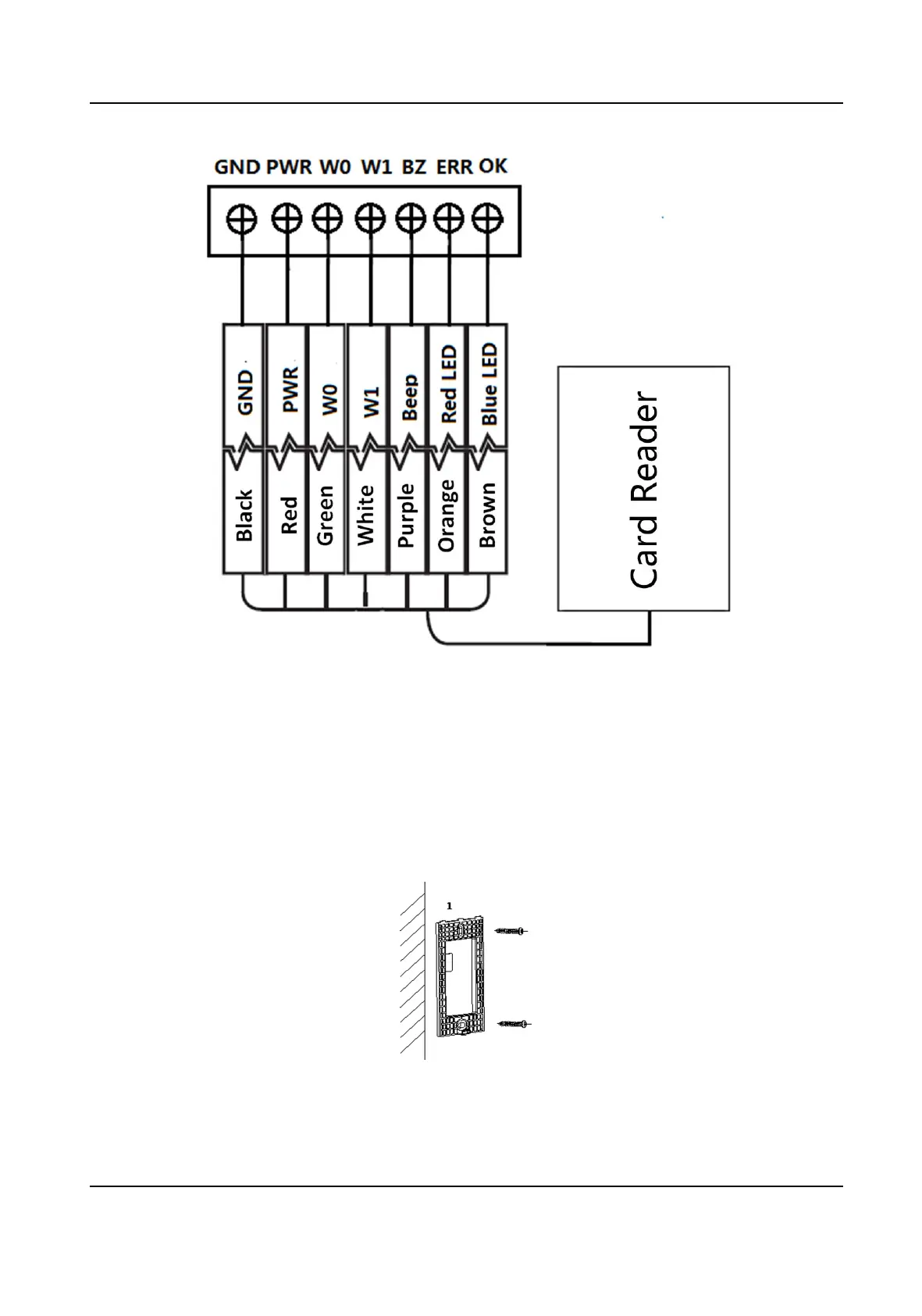
Figure 3-2 Wiring for Wiegand Communicaon Mode
3.3 Install Card Reader
Before You Start
Set the DIP switch. For details, refer to DIP Switch Descripon .
Steps
1. Fix the plate on the wall or other place.
Figure 3-3 Install Mounng Plate
2. Connect the cables between controller and card reader. For details, refer to Wiring Cables .
Card Reader User Manual
8


 To Next Page
 Loading...