6
P50T01U/E P50TP01U/E P42T01U/E P42TP01U/E
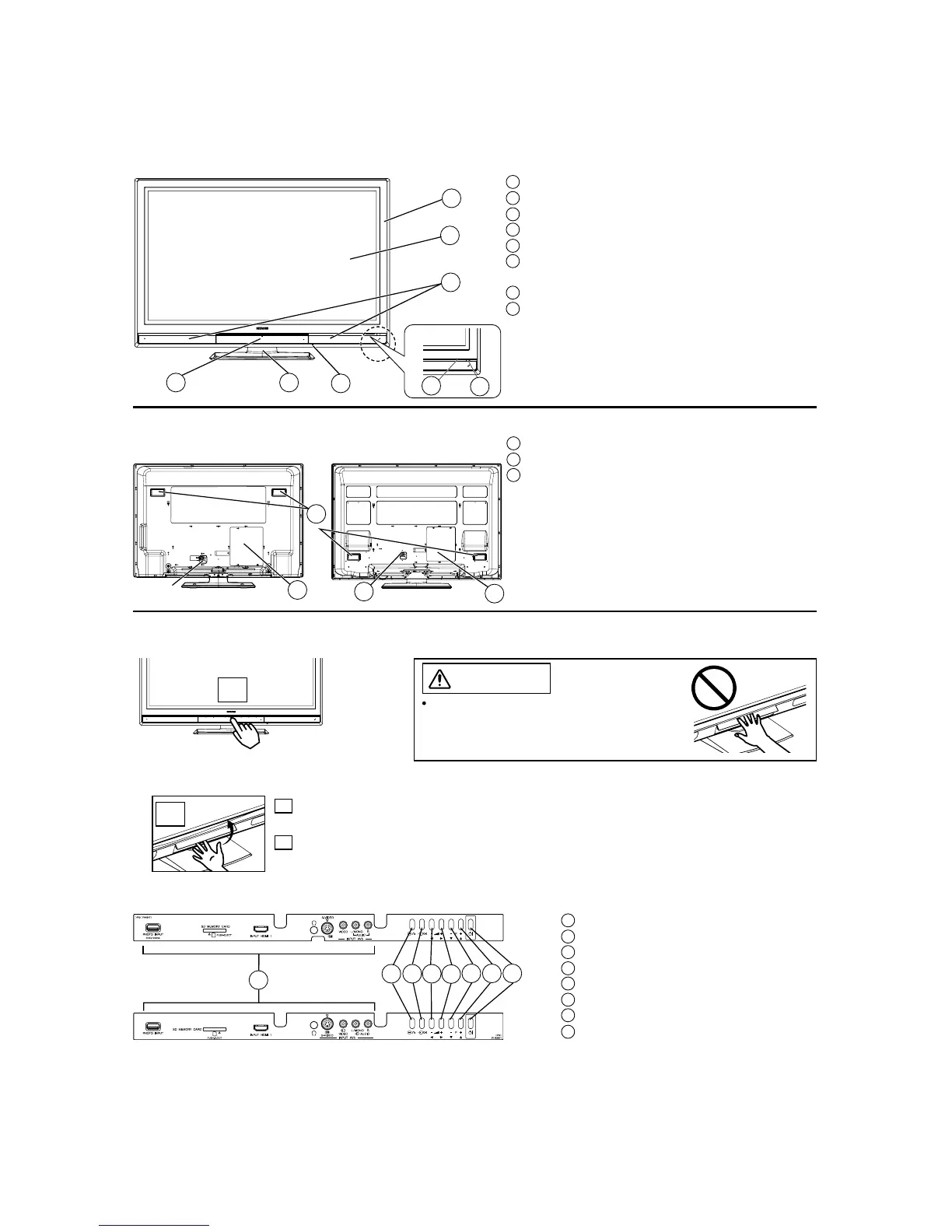
4. Component names
[Main unit]
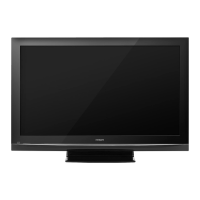
Front Panel
Rear Panel
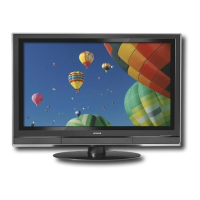
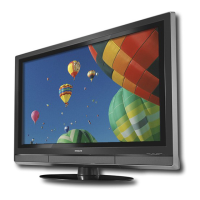
42” models
Control Panel (including front input)
1 Front Input
2 Menu/Return button
3 Input Select/OK button
4 Volume Down/Żbutton
5 Volume Up/Źbutton
6 Channel Down/źbutton
7 Channel Up/Ÿbutton
8 Sub Power button
1 Cabinet
2 Panel
3 Remote Control Receiver
4 Indicating Lamp
5 Main Power Switch (on the bottom surface)
6 Control Panel and Front Input (see below for
details)
7 Desktop Stand
8 Speaker
1 Terminal Board (External Device Connection)
2 Power Cord Socket
3 Handgrips
CAUTION
Do not place your fingers into the gap of
the opened door. If your fingers are caught
in the front door, you may be injured.
A Push the bottom centre of
the front door to unlock.
B Lift it up from the
underside of the door.
Push here to open the door.
B
A
1
2
5
6
8
7
43
1
2
1
2
3
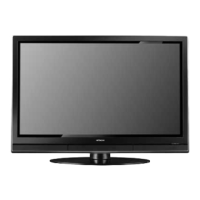
50” models
1
23
4
5
6
7
8
42” models
50” models


 To Next Page
 Loading...