2 Connecting to a local area network
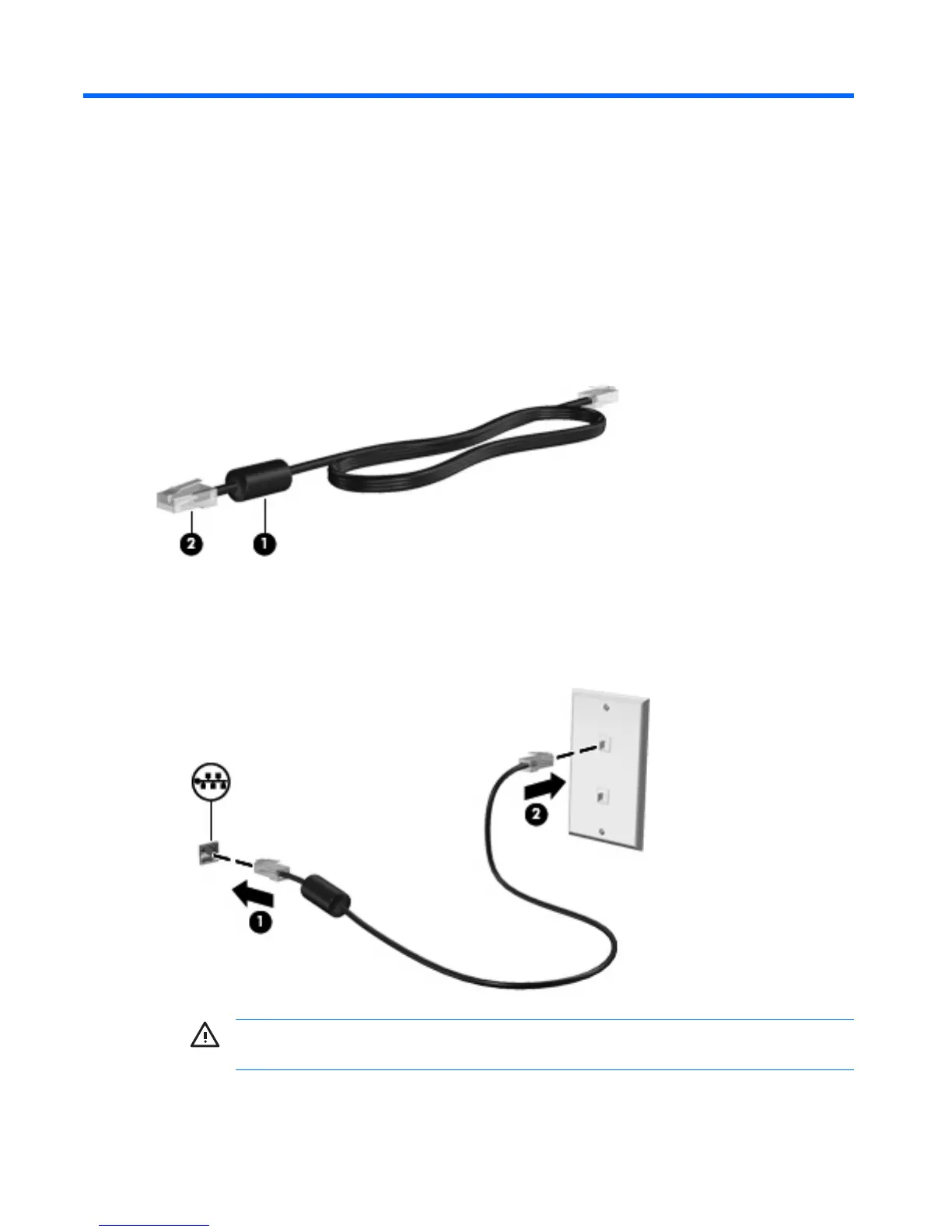
Connecting to a local area network (LAN) requires an 8-pin, RJ-45 network cable (not included). If the
network cable contains noise suppression circuitry (1), which prevents interference from TV and radio
reception, orient the circuitry end of the cable (2) toward the computer.
To connect the network cable:
1. Plug the network cable into the network jack (1) on the computer.
2. Plug the other end of the cable into a network wall jack (2).
WARNING! To reduce the risk of electric shock, fire, or damage to the equipment, do not
plug a modem or telephone cable into the RJ-45 (network) jack.
8 Chapter 2 Connecting to a local area network ENWW



 To Next Page
 Loading...