12
Step 3: Connect to the Internet
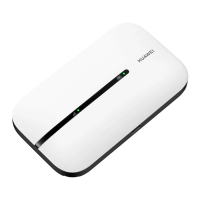
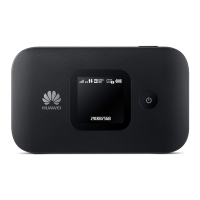
If data is transmitted, the Mobile WiFi will automatically connect to the Internet. If data is not
transmitted for a period of time, the Mobile WiFi will automatically disconnect from the
network connection.
Note:
You can log in to the web management page and enable or disable the automatic dialing
while roaming function. If this function is turned off, when the Mobile WiFi enters a
roaming network, it will automatically disconnect from the Internet connection that has
already been established. You will need to manually establish this network connection
again.


 To Next Page
 Loading...