20
3
D Transmitting a Stun Call
Stun call allows you to send an MDC 1200 system signal that
will stun the targeted station.
Not available on Non-display types.
q Push [MDC Call] to enter the MDC menu selection mode.
w
Push [CH Up] or [CH Down], or rotate [CH Up/Down] to
select
“STUN.”
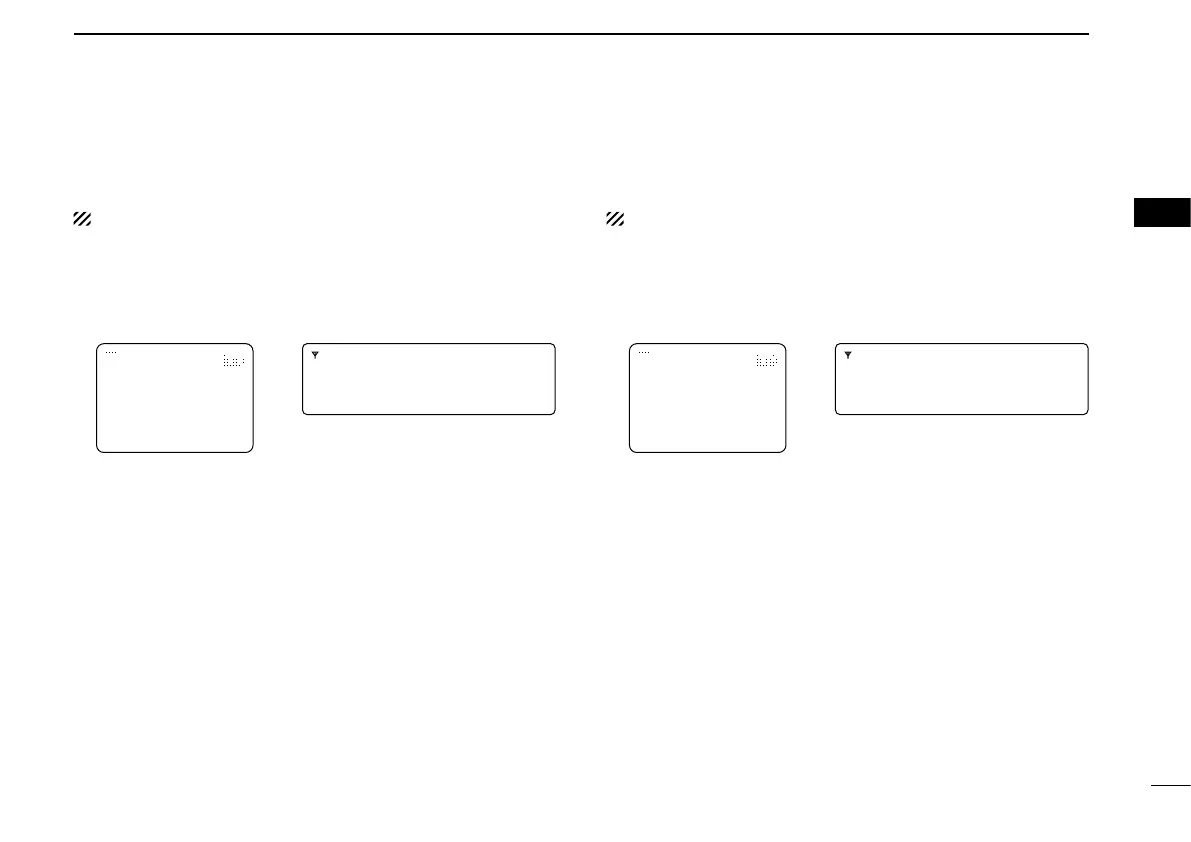
For Handhelds: For Mobiles:
STUNLERT
INDIVIDUAL1
STUN−UP
INDIVIDUAL1
MDC SELC CALA
e Push [MDC Call] again to enter the transceiver alias se-
lection mode.
r Push [CH Up] or [CH Down], or rotate [CH Up/Down] to
select a desired alias
.
t Push [PTT] to transmit a stun call to the selected station.
• “STN TX” is displayed.
y Release [PTT].
• “STN ACK” is displayed after receiving an acknowledgement
from the targeted station.
• “STN FAIL” is displayed if the targeted station does not receive
the signal or send back an acknowledgement.
u After a preset time period has passed, the transceiver will
return to receive.
D Transmitting a Revive Call
Revive call allows you to send an MDC 1200 system signal
that will revive the targeted (stunned) station.
Not available on Non-display types.
q Push [MDC Call] to enter the MDC menu selection mode.
w Push [CH Up] or [CH Down], or rotate [CH Up/Down] to
select “REVIVE.”
For Handhelds: For Mobiles:
REVIVERT
INDIVIDUAL1
REVIVE−UP
INDIVIDUAL1
MDC SELC CALA
e Push [MDC Call] again to enter the transceiver alias se-
lection mode.
r Push [CH Up] or [CH Down], or rotate [CH Up/Down] to
select a desired alias
.
t Push [PTT] to transmit a revive call to the selected sta-
tion.
• “REV TX” is displayed.
y Release [PTT].
• “REV ACK” is displayed after receiving an acknowledgement
from the targeted station.
• “REV FAIL” is displayed if the targeted station does not receive
the signal or send back an acknowledgement.
u After a preset time period has passed, the transceiver will
return to receive.
MDC 1200 SYSTEM OPERATION
3
1
2
4
5
6
7
8
9
10
11
13
12
14
15
16



 To Next Page
 Loading...