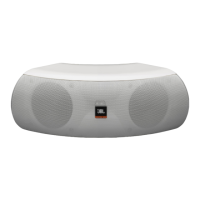
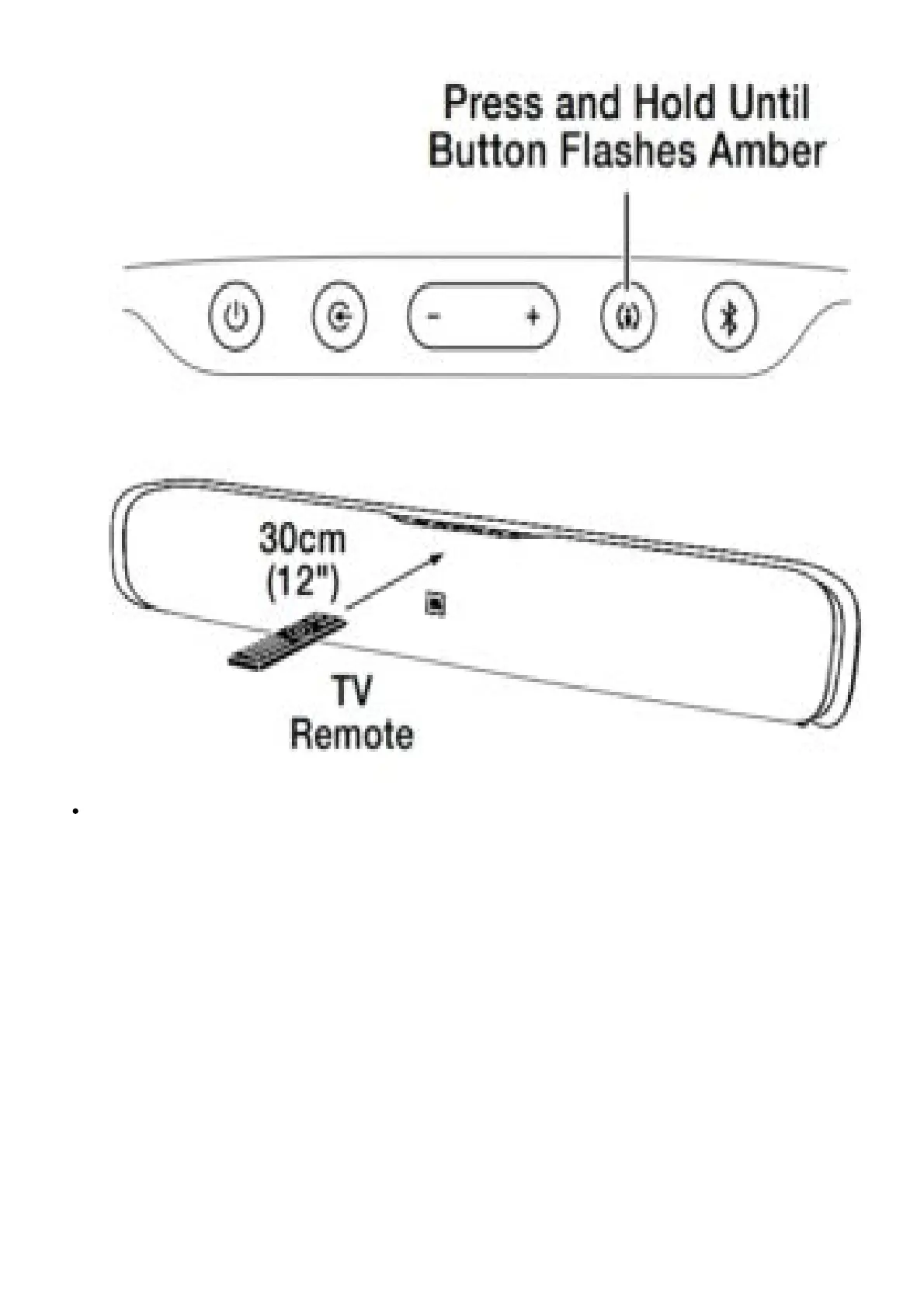
2. Hold your TV’s remote approximately 12” (30cm) from the front of the soundbar and aim the
remote directly at the soundbar:
Press the TV remote’s volume up button while pressing and holding the soundbar’s Volume +
button. If the programming was successful the soundbar’s Surround button will change from
amber to solid white for one second, then will return to flashing amber.


 To Next Page
 Loading...