©2013 Johnson Level & Tool - Rev. 1 7
7. Using the Product
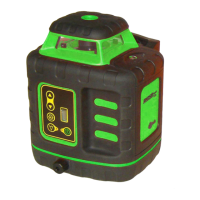
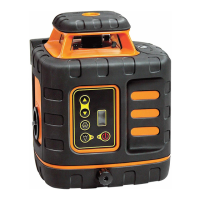
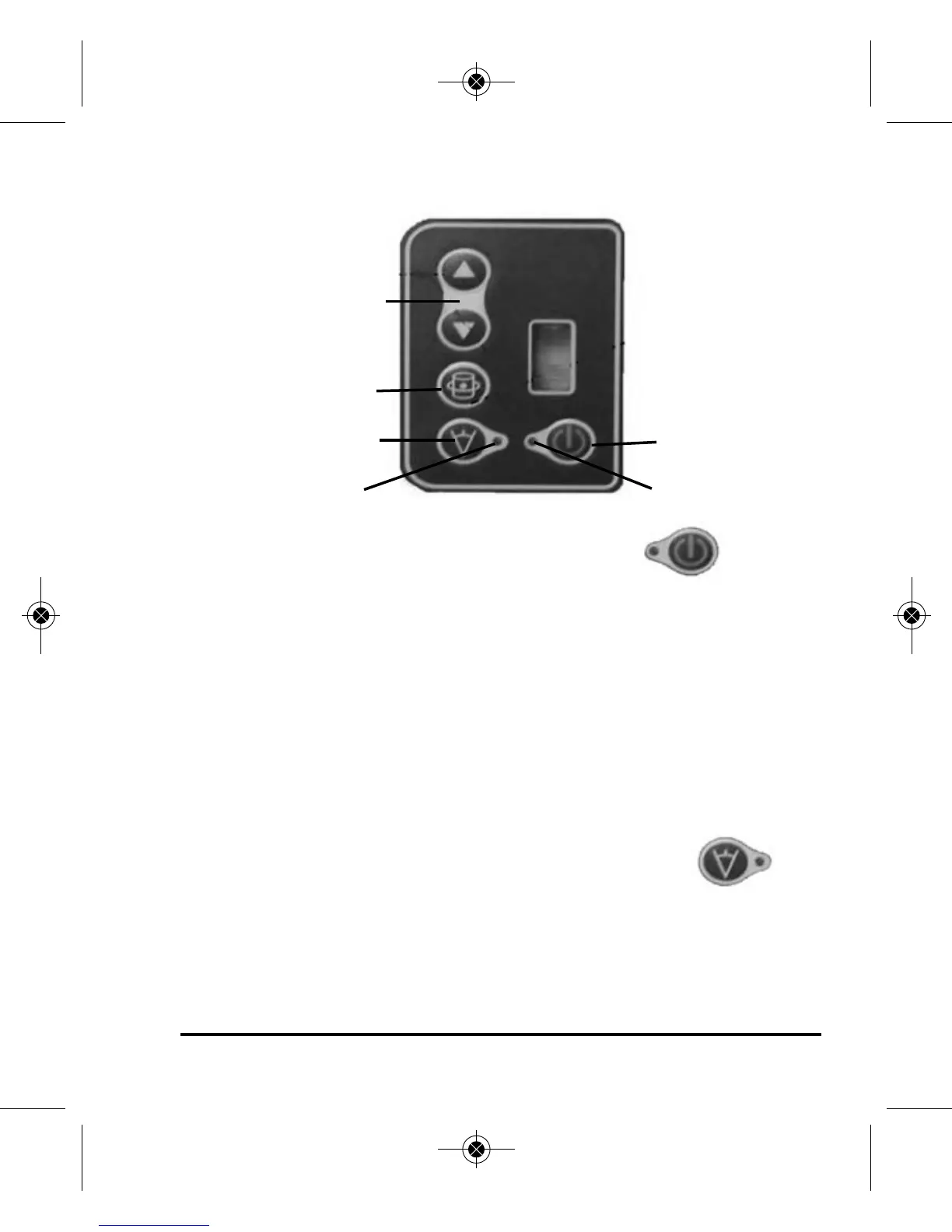
Operating Panel
1. Power Key
• Press this key to turn on and off the power.
The locking mechanism must be set in
the unlock position to turn laser on in the horizontal mode.
2. Power LED
• When the LED is lit the unit is connected to the power
• When the LED is off the unit is not receiving power
• When the LED is flashing the battery is low
3. Scanning LED
• When the LED is lit the unit is in rotation mode
• When the LED is flashing the unit is in scan mode
4. Scan mode key
• With the first press of this button, the laser
emits a short laser line.
• With a second press of this button, the laser emits a longer
laser line.
•
With a third press of this button, the laser emits a laser dot.
Rotation speed
and scan keys
Scanning LED
Rotation key
Power Key
Power LED
Scan mode key
7365H-All_Manuals 10/14/13 2:53 PM Page 7


 To Next Page
 Loading...