Page 4
Remote Control
i
s
d
f
g
h
k
l
/
z
x
c
v
j
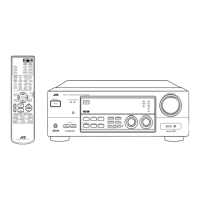
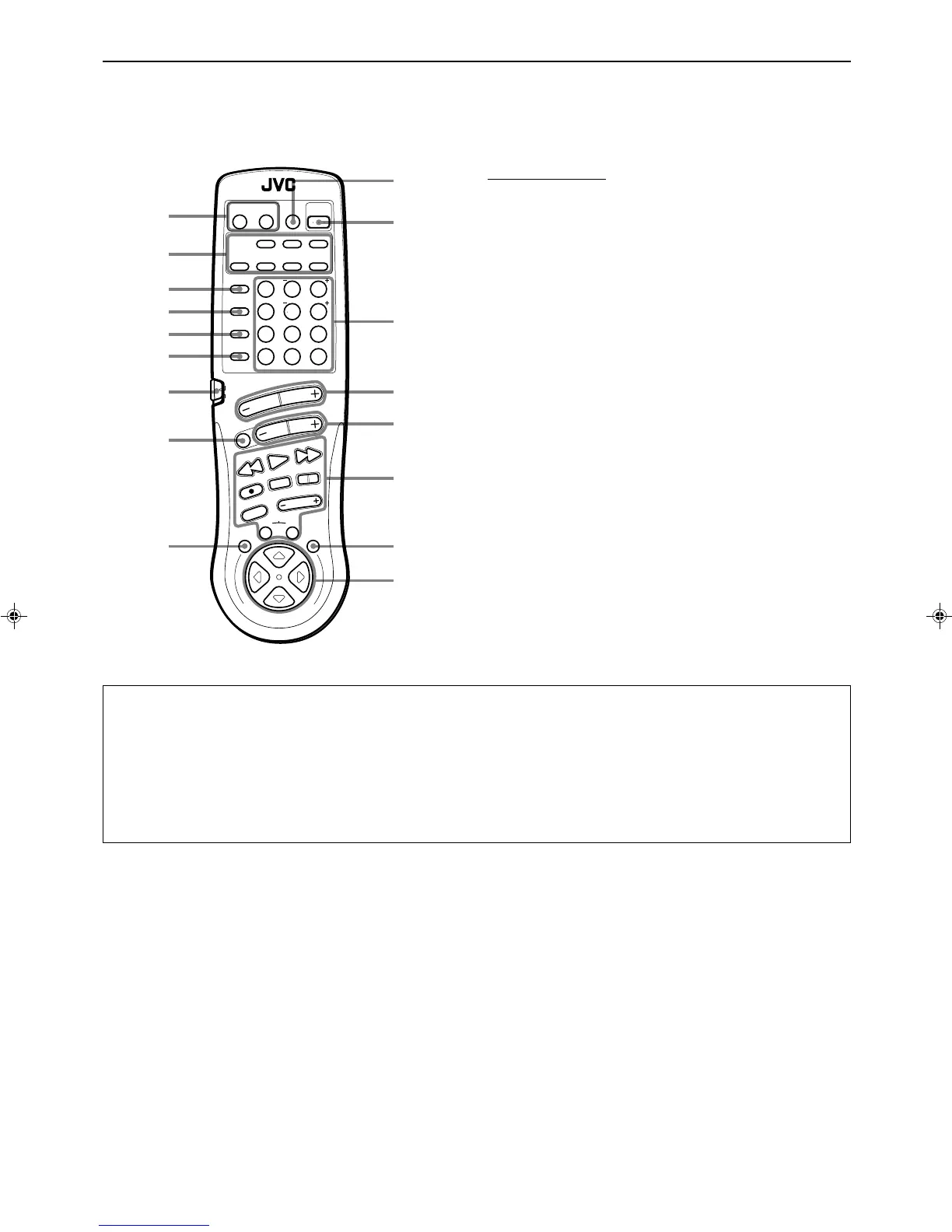
Remote Control Unit
i TV/CATV/SAT POWER and VCR POWER buttons (39)
o Source selecting buttons (12)
; ONE TOUCH OPERATION button (18)
a CD DISC button (38)
s CD TRACK button (38)
d SOUND CONTROL button (22, 25, 29)
f Remote control mode selector (AUDIO/TV/VCR, CATV/SAT)
(11)
g MUTE button (13)
h MENU EXIT button (31)
j SLEEP button (15)
k AUDIO POWER button (11)
l • 10 keys for selecting preset channel (20)
• 10 keys for adjusting sound (22, 25, 29)
• Operating buttons for audio/video components (38, 40)
/ VOLUME buttons (+/–) (12)
z CHANNEL buttons (+/–) (39)
x Operating buttons for audio/video components (38, 40)
c MENU button (31)
v % / fi / @ / # buttons of the ON SCREEN CONTROL section
(31)
IMPORTANT
When using the remote control:
Check to see if its remote control mode selector (f) is set to the correct position.
To operate an audio system, TV, and VCR, set it to the “AUDIO/TV/VCR” position.
To operate a CATV converter and satellite tuner, set it to the “CATV/SAT” position.
About
%%
%%
% /
fifi
fifi
fi /
@@
@@
@ /
##
##
# buttons (
vv
vv
v) of the ON SCREEN CONTROL section on the remote control:
If you press these buttons, the menu function starts operating. So, make sure you are showing the on-screen display on the TV
before pressing these buttons.
O
N
S
C
R
E
E
N
C
O
N
T
R
O
L
RM-SR772U REMOTE CONTROL
/SAT POWER
CD
DISC
CD
TRACK
SOUND
CONTROL
VCR
POWER
AUDIO
POWER
SLEEP
VIDEO TAPEVCR
TV
SOUND
TEST REAR
SEA MODE SURR MODE
FM/AM PHONOCD
546
213
87
/P 9
0
+10
10
AUDIO/TV
/VCR
MENU
EXIT
MENU
TAPE VCR
CONTROL
VOLUME
CHANNEL
MUTE
FF / ¢
PLAY
STOP
REC
TV/VIDEO
TV VOLUME
PAUSE
4 /
REW
TV/CATV
CNTRDELAY
CATV
/SAT
FM MODE/MUTE
100+
RETURN
ONE TOUCH
OPERATION
o
a
;
RX-772VBK[J]_0052-001A.En.01-23 97.4.8, 3:23 PM4



 To Next Page
 Loading...